
SMS Validation Lab and Quick-fire sample appear only in debug builds.
Auto-tracking and some widget controls are Android-only. All other rows are
part of the normal user-facing product.
More directory
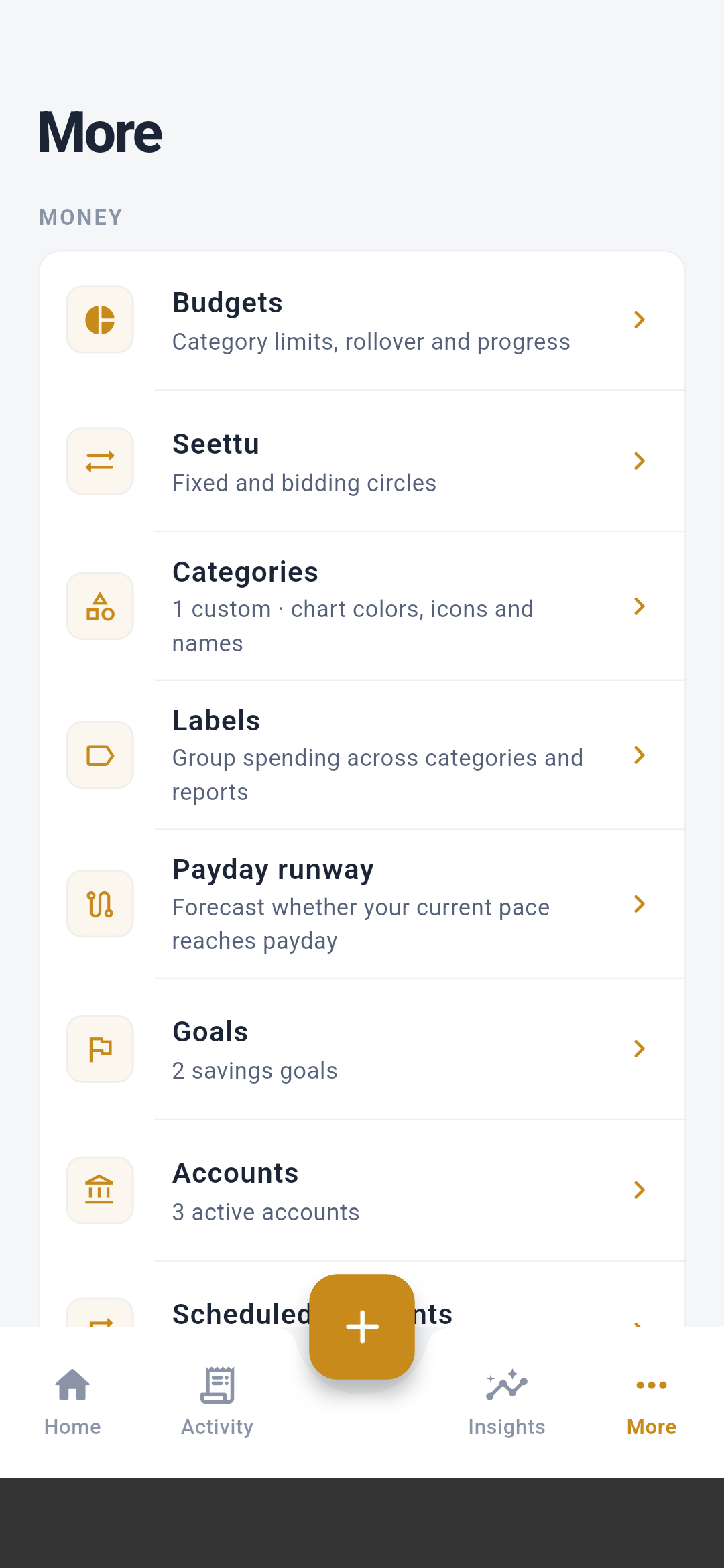
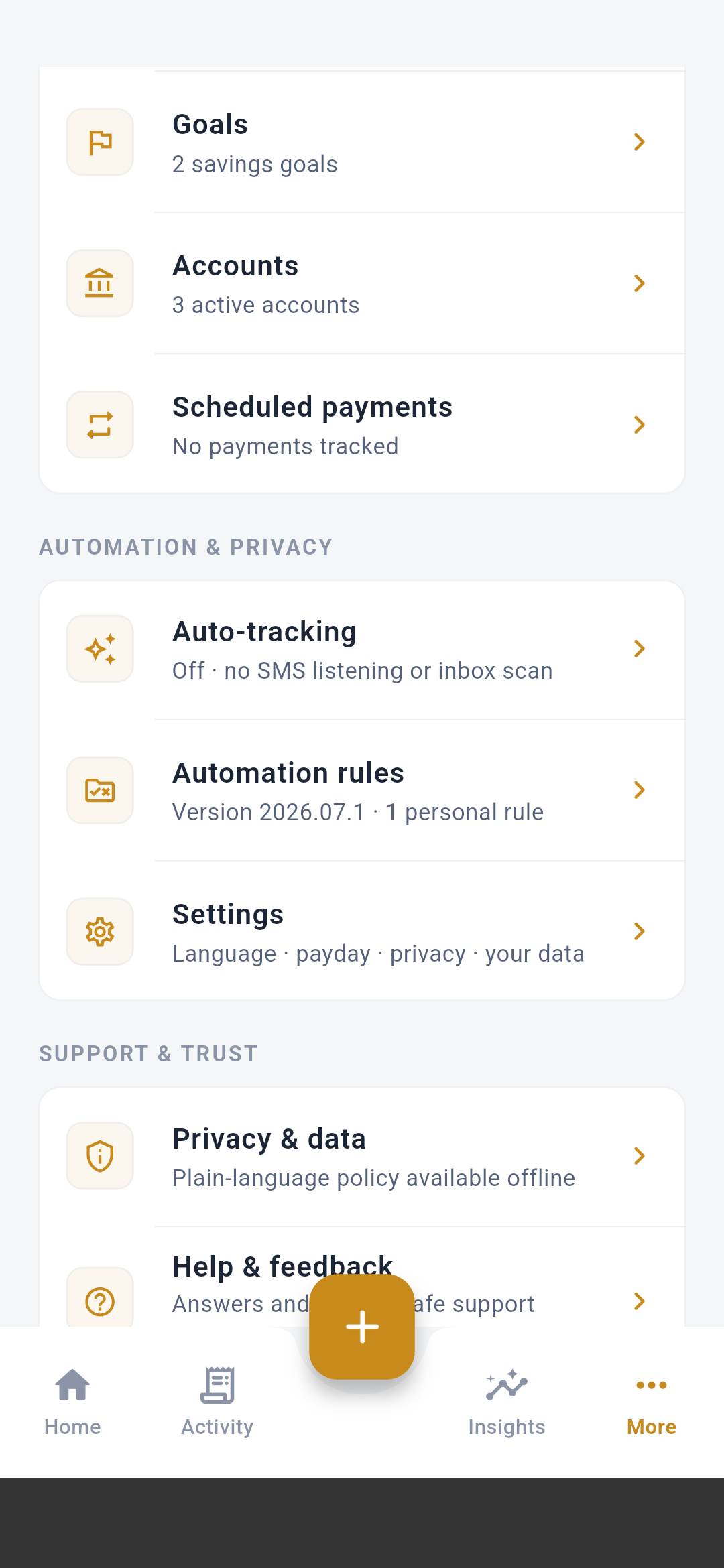
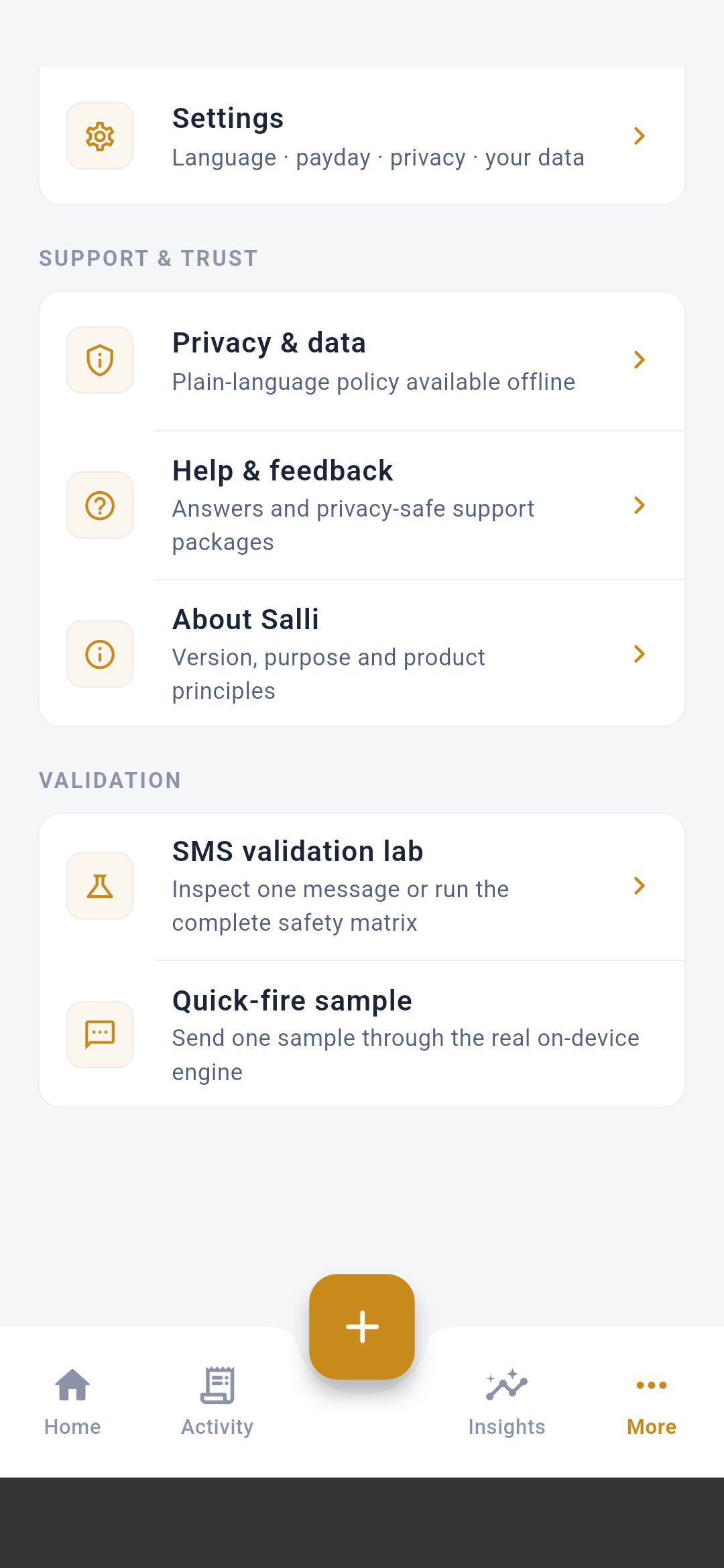
The subtitle under each row is live. For example, it can show active accounts,
savings-goal count, recurring suggestions, automation corpus version, or
whether SMS tracking is currently off.
Budgets
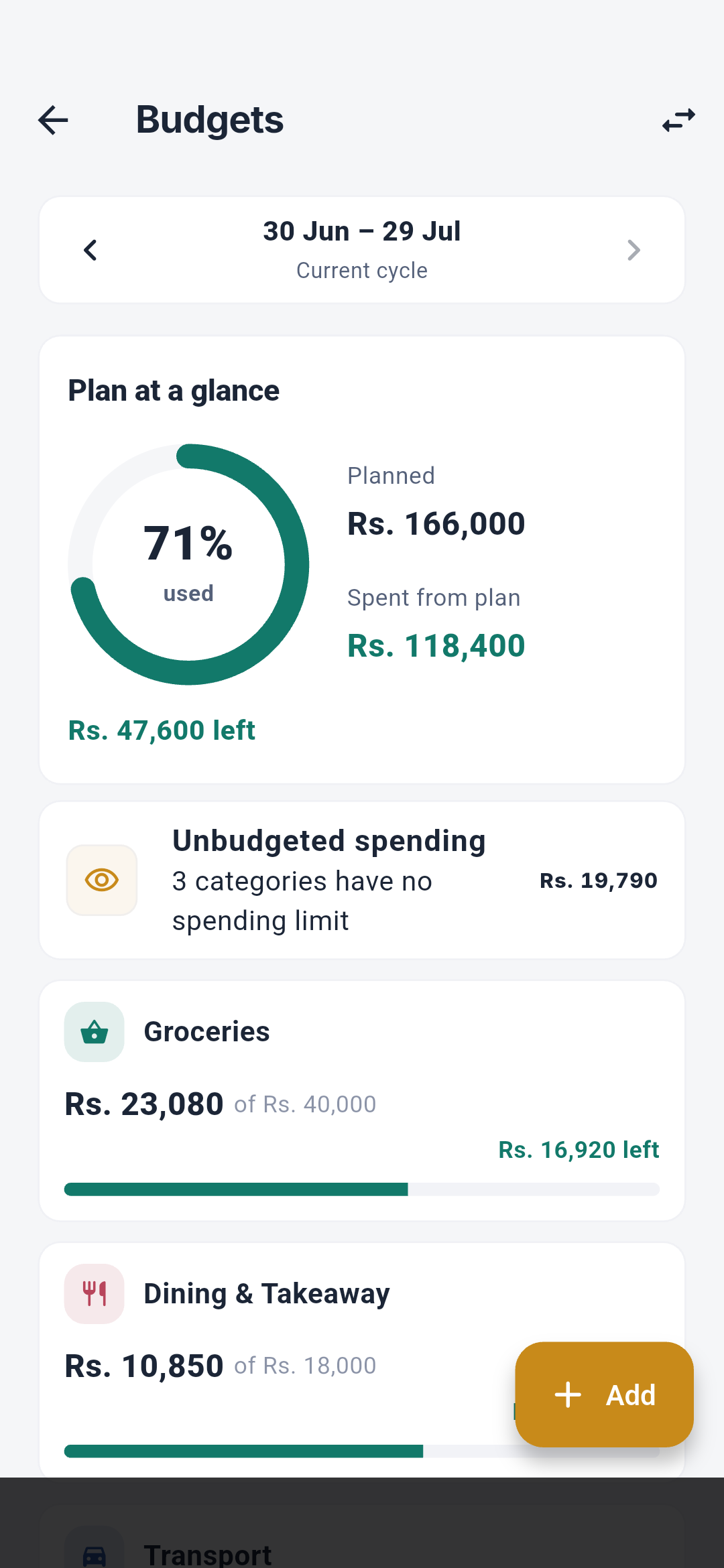
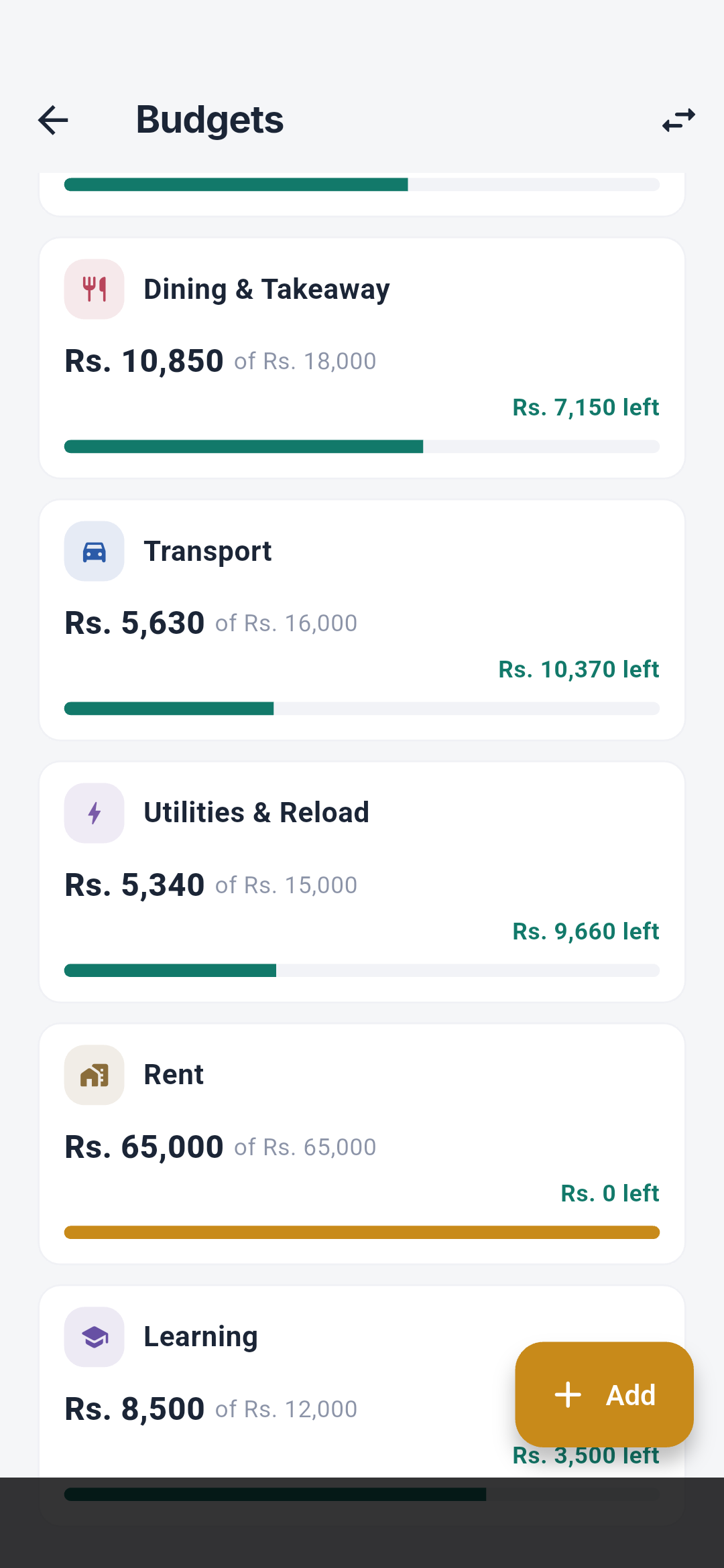
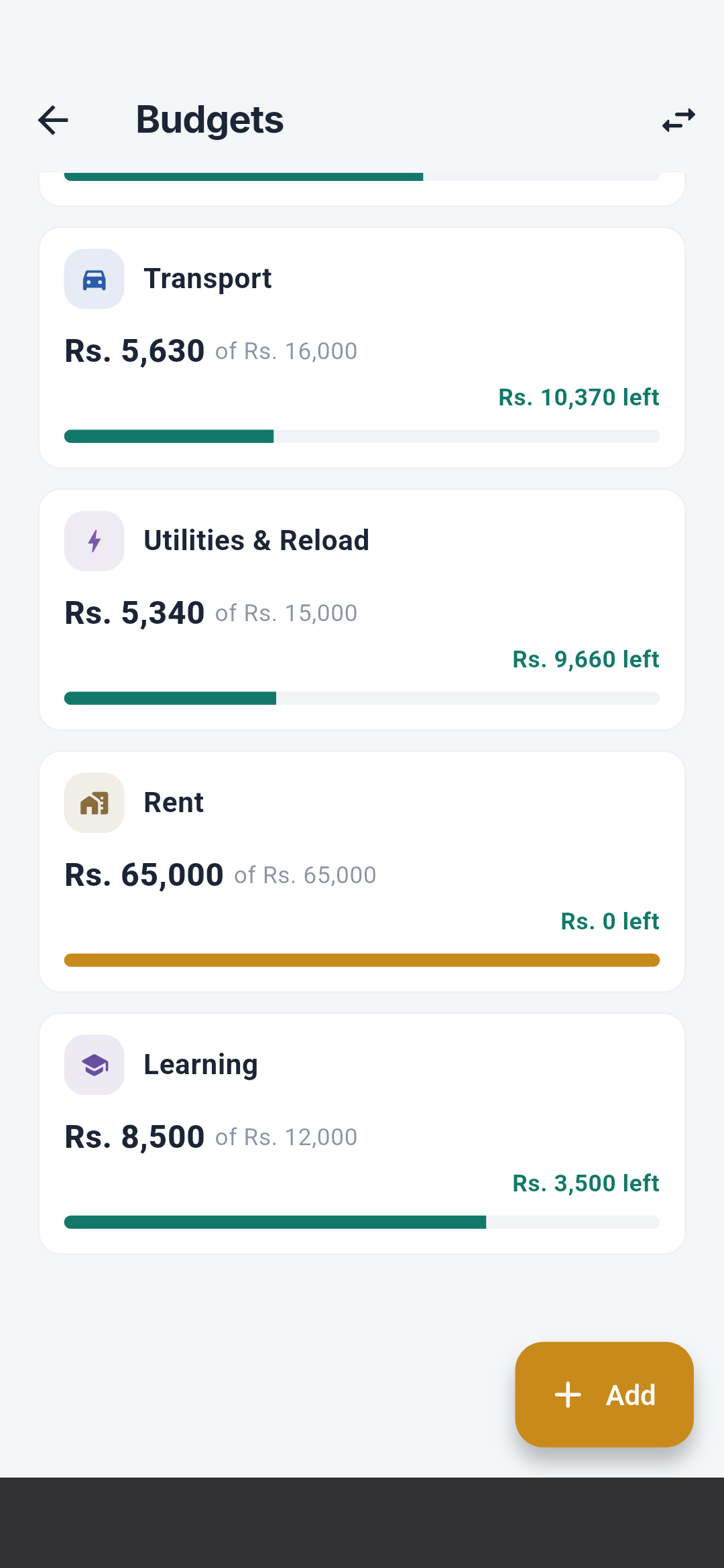
See Budgets for rollover, pace, alerts, suggestions, and
editing rules. The detail, create, and move-money screenshots are in the
Visual screen guide.
Seettu
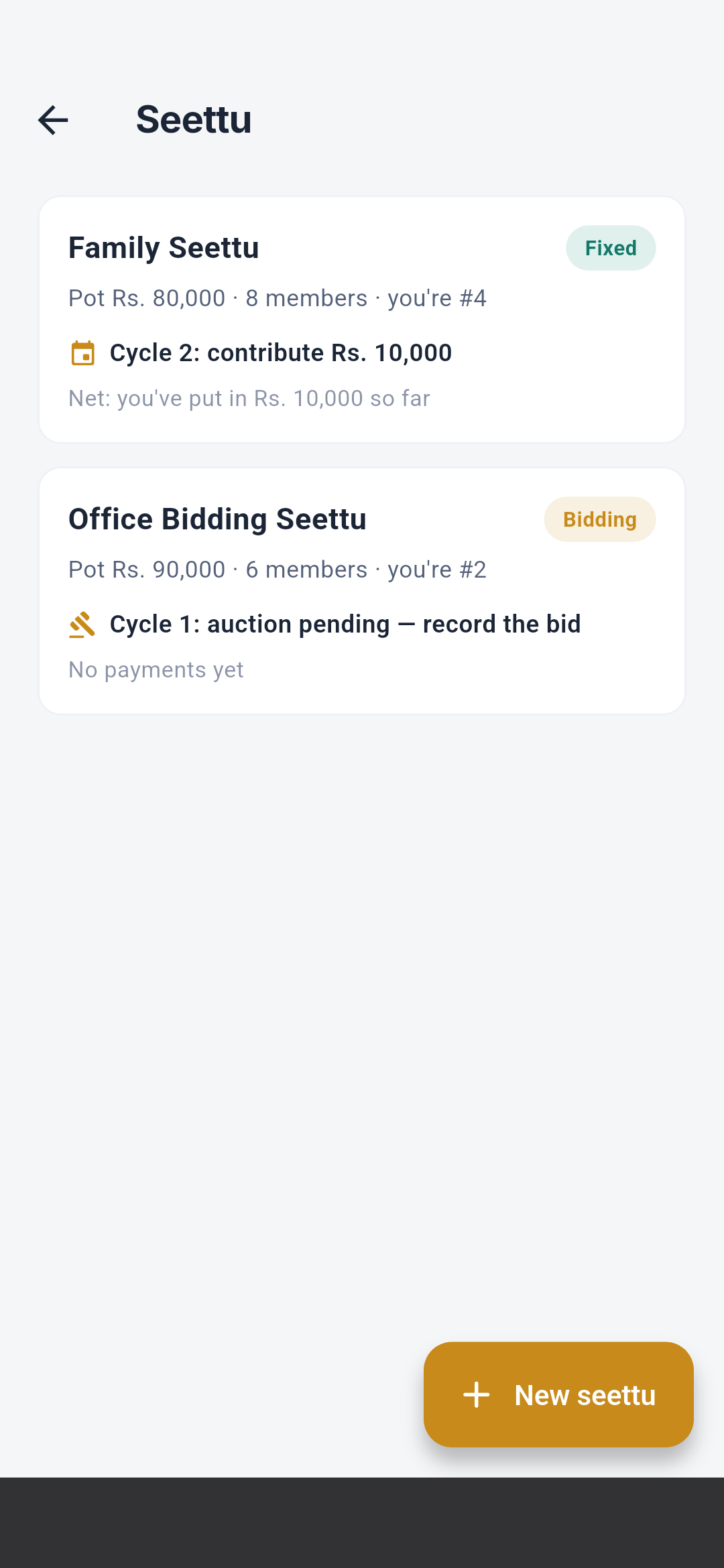
The create, fixed-detail, bidding-detail, and auction screenshots appear in
Seettu creation and detail.
See Seettu circles for the complete financial model.
Categories
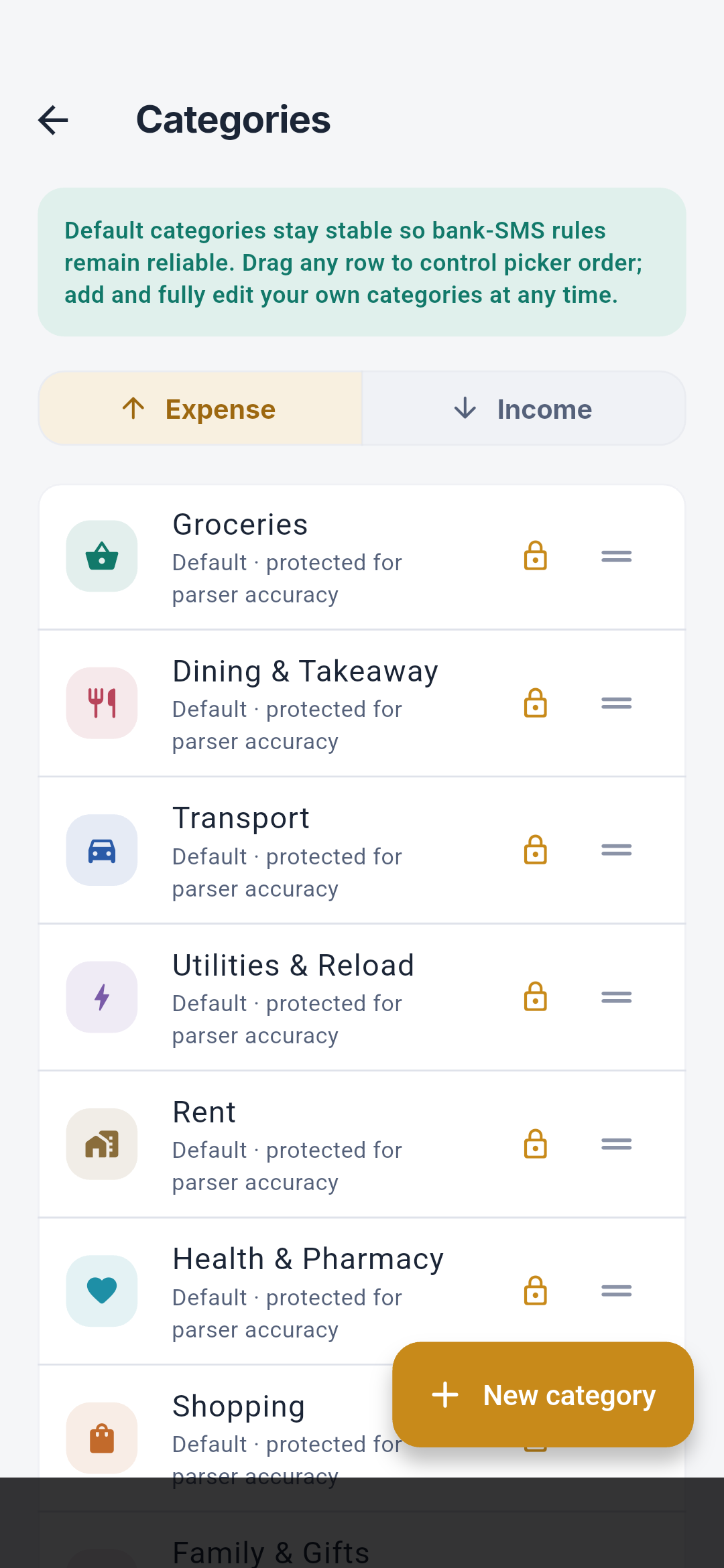
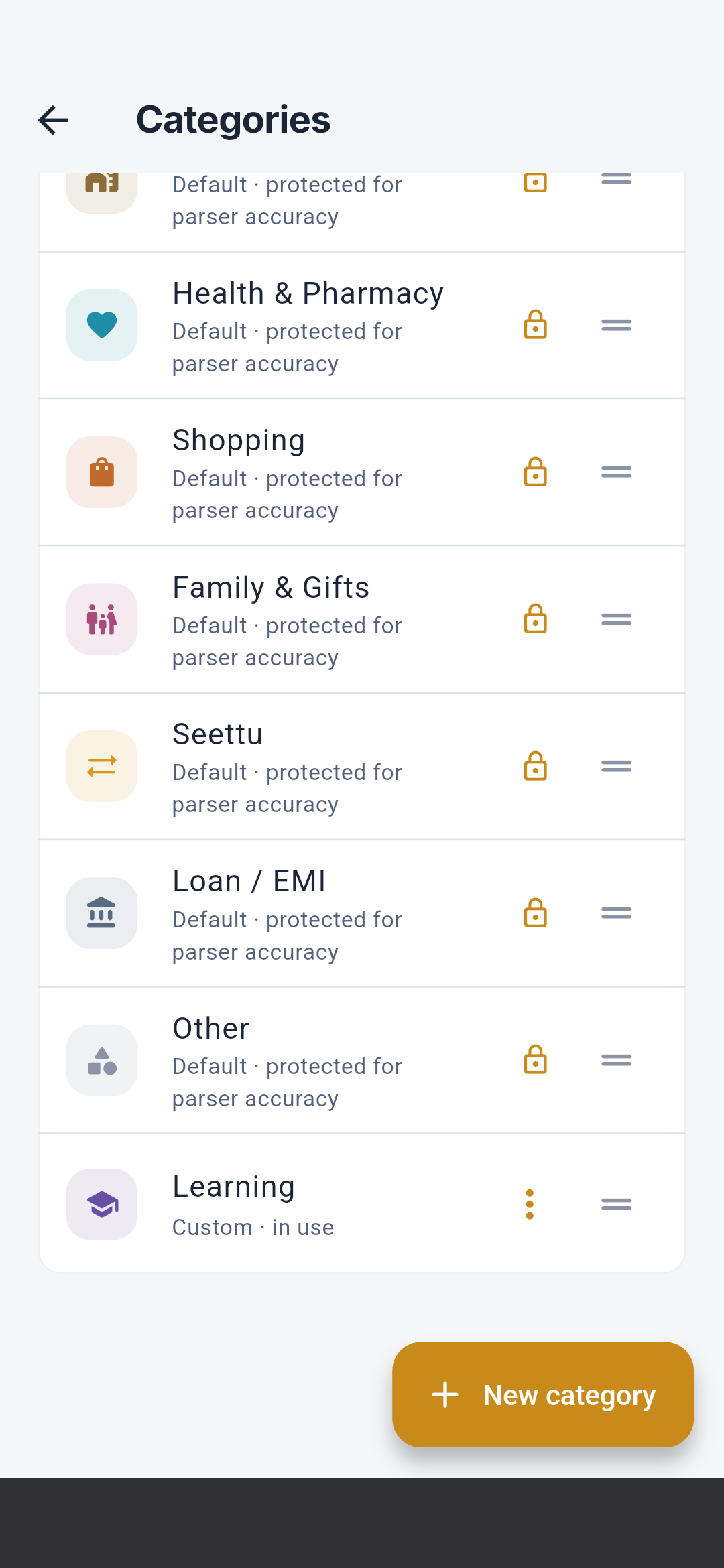
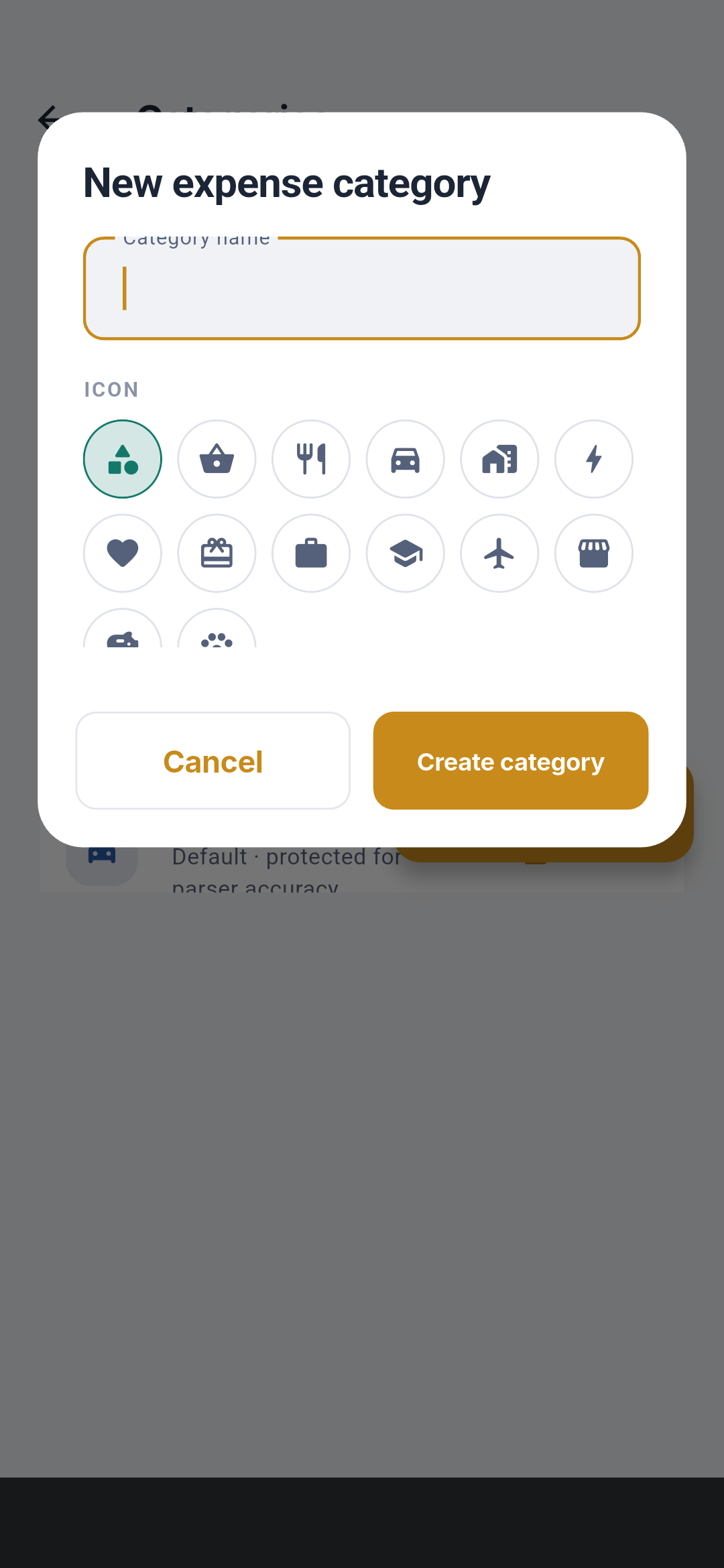
See Categories for editing, deletion, and transaction
history behavior.
Labels
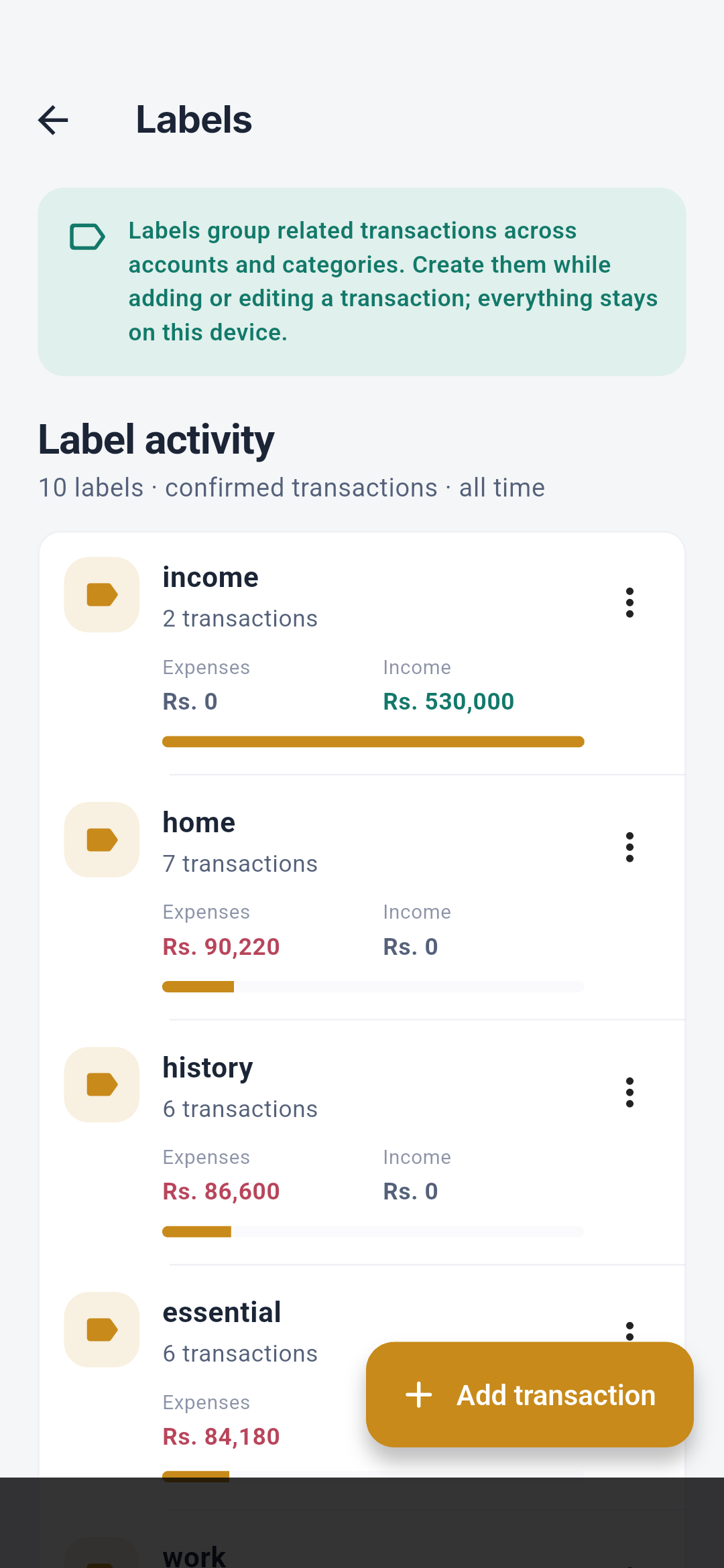
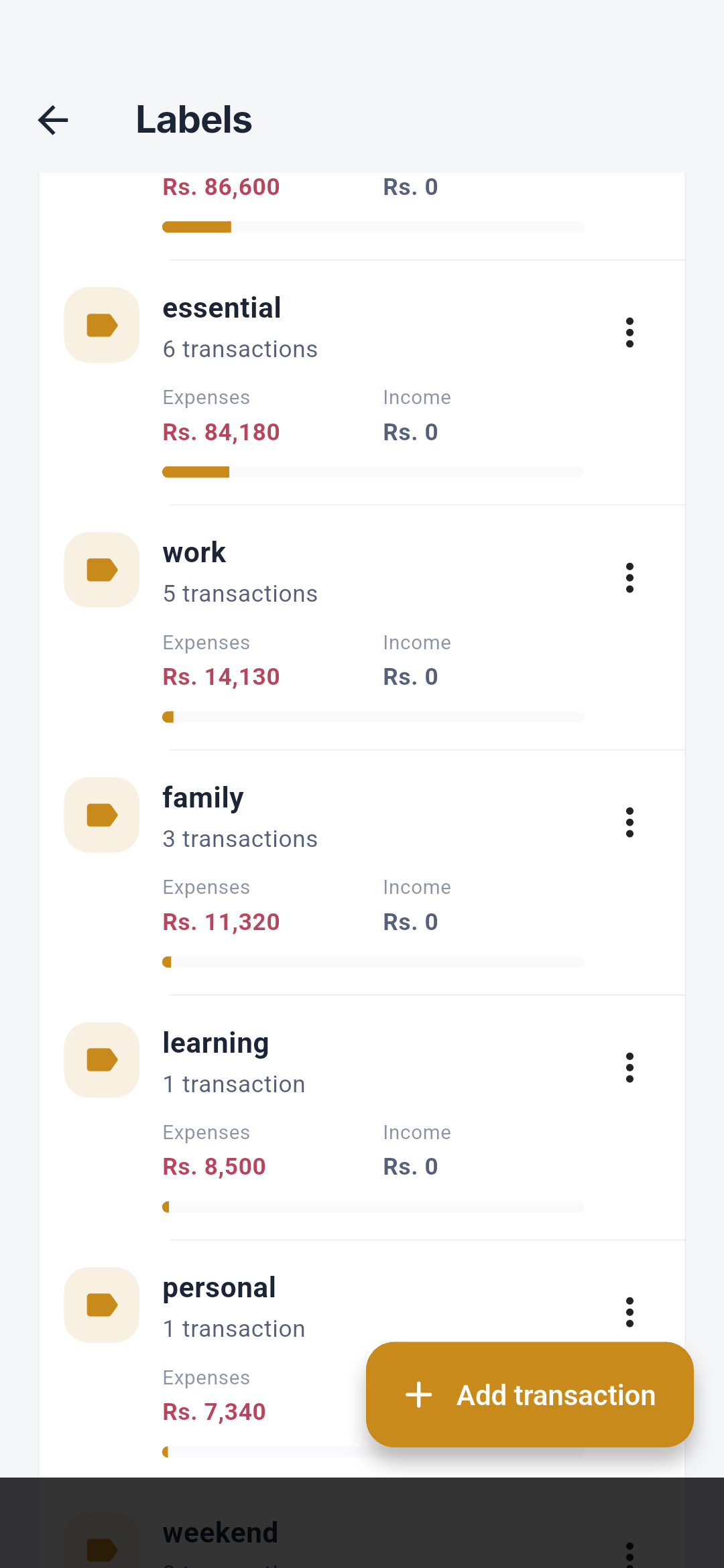
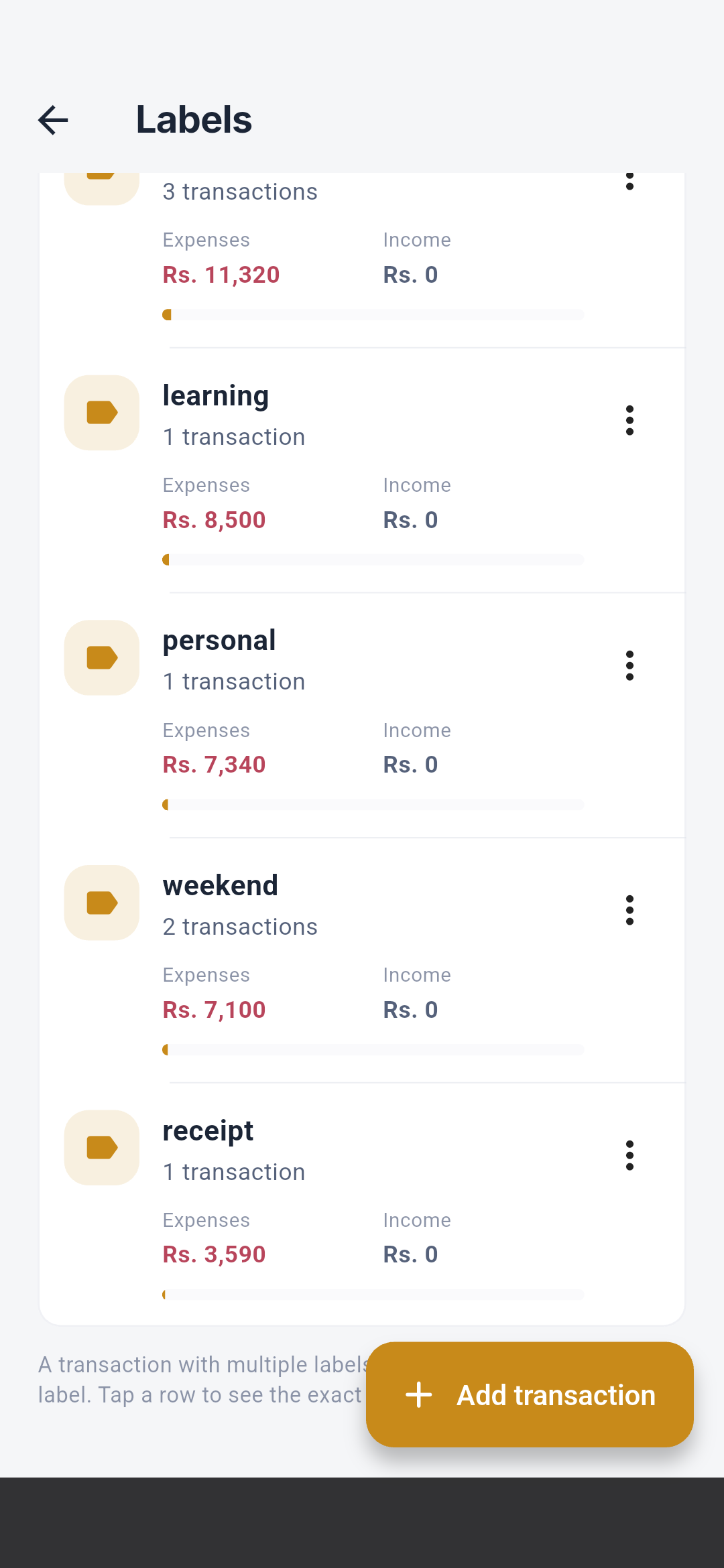
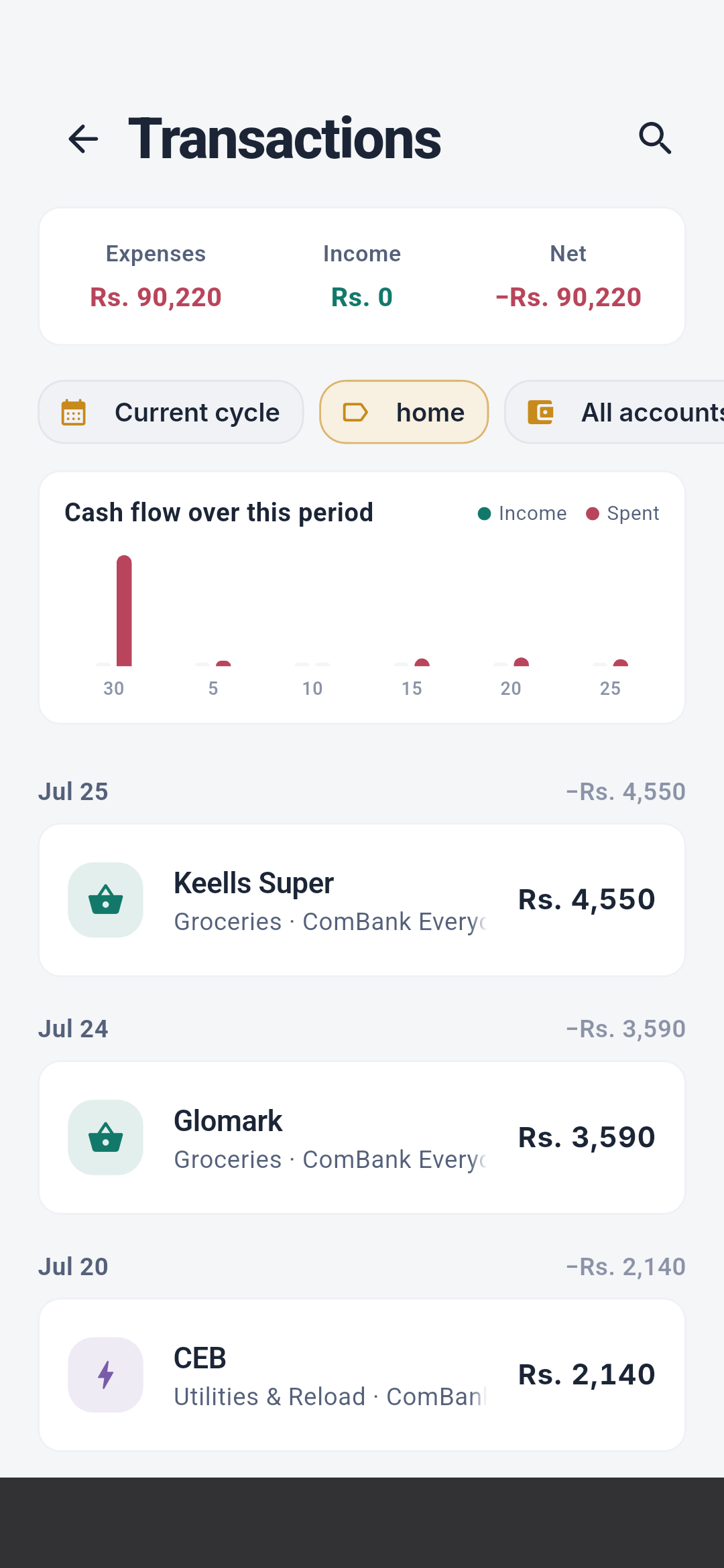
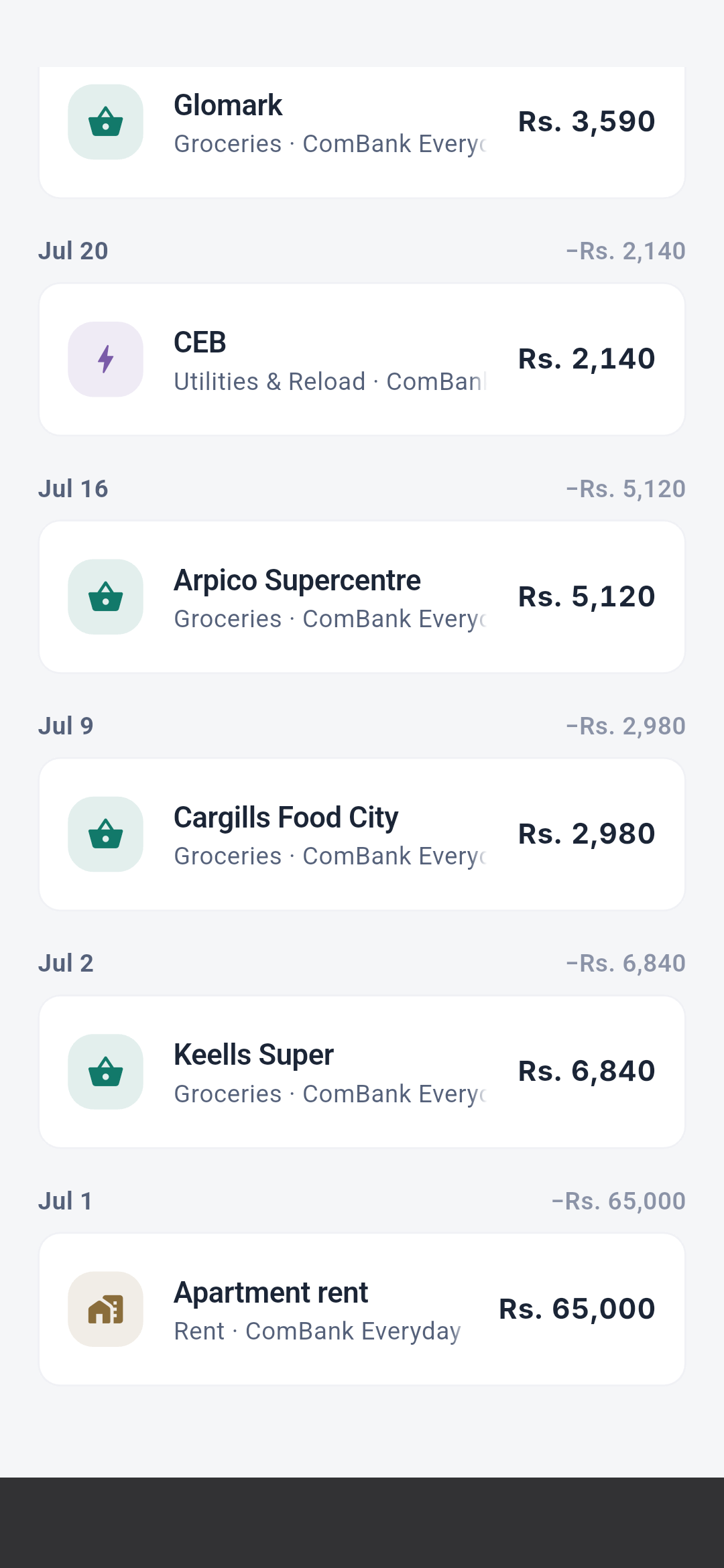
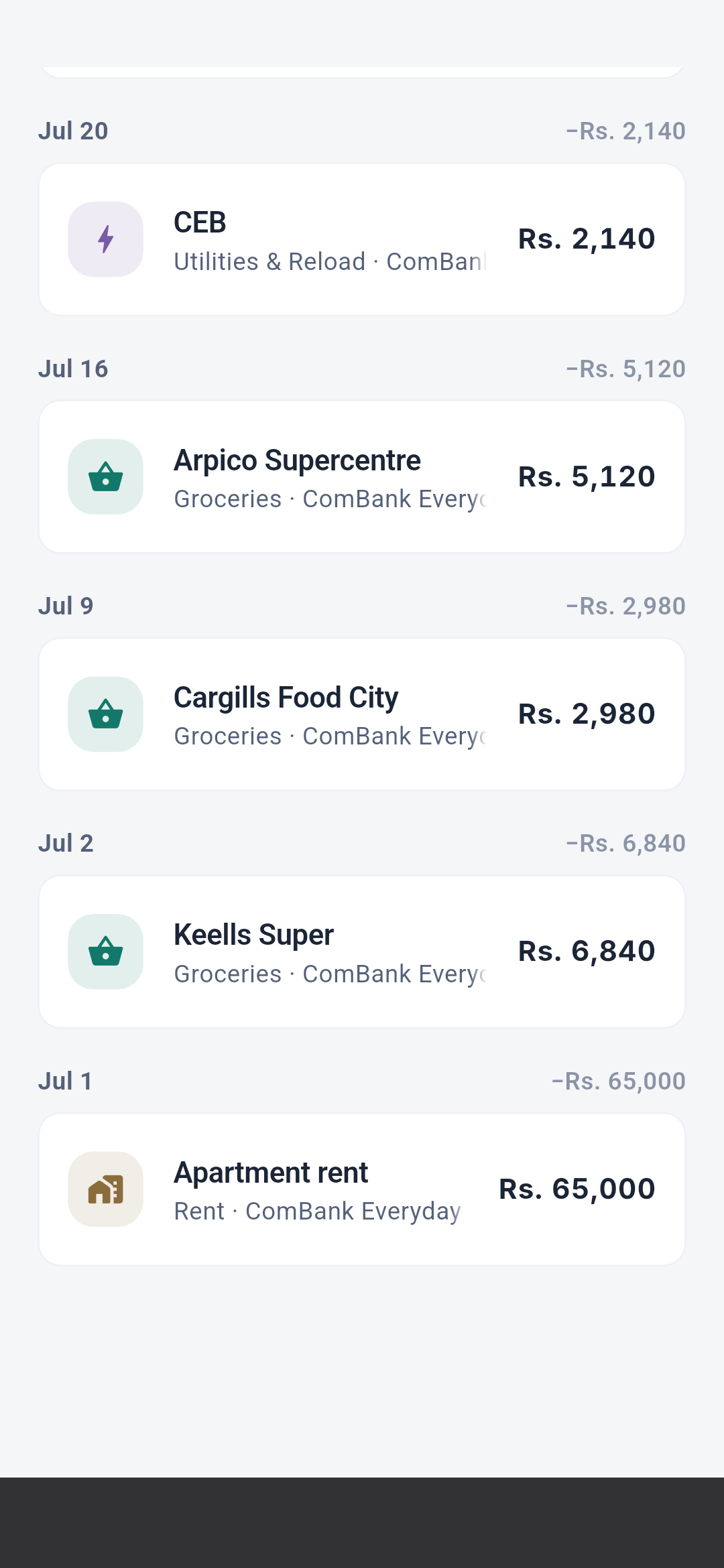
See Labels and merchants for grouping and
personal automation use.
Payday runway
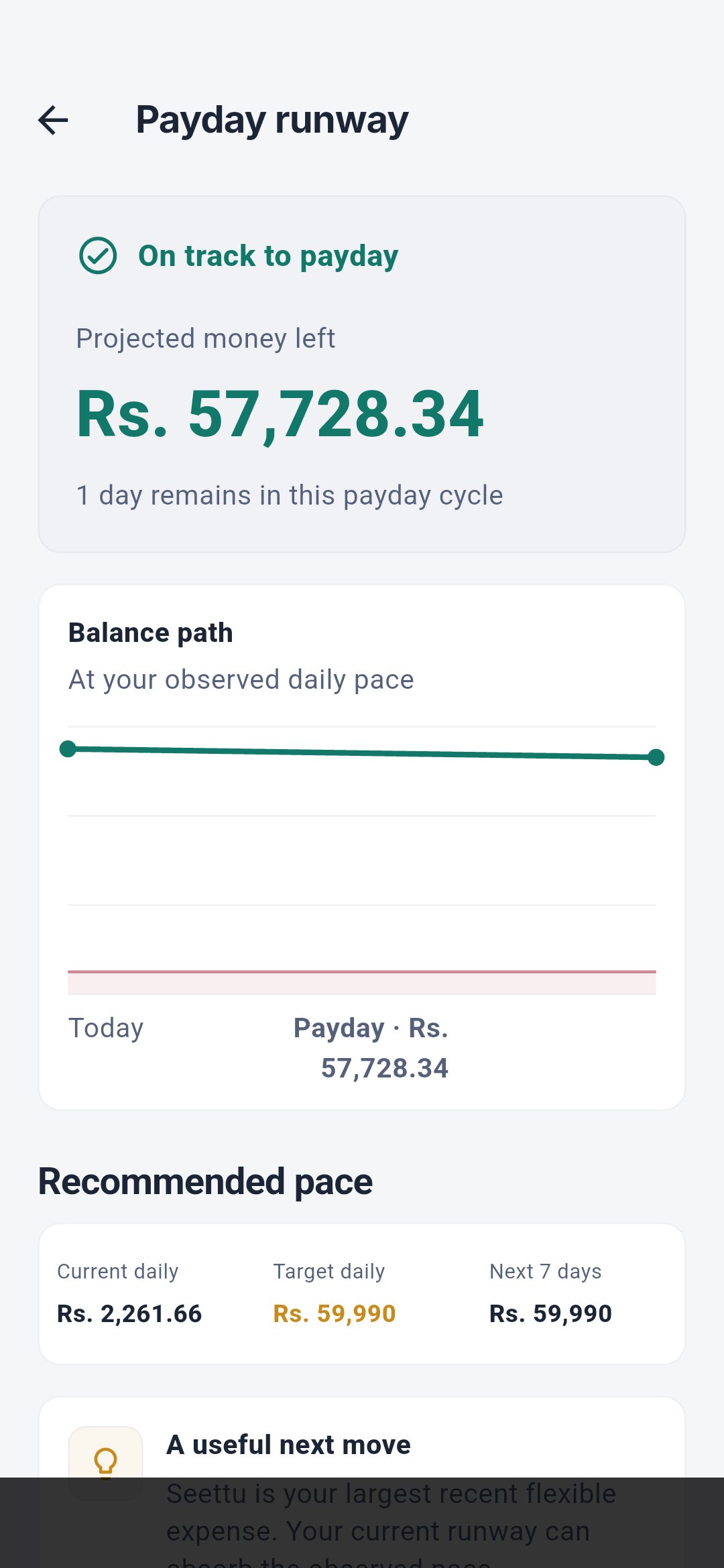
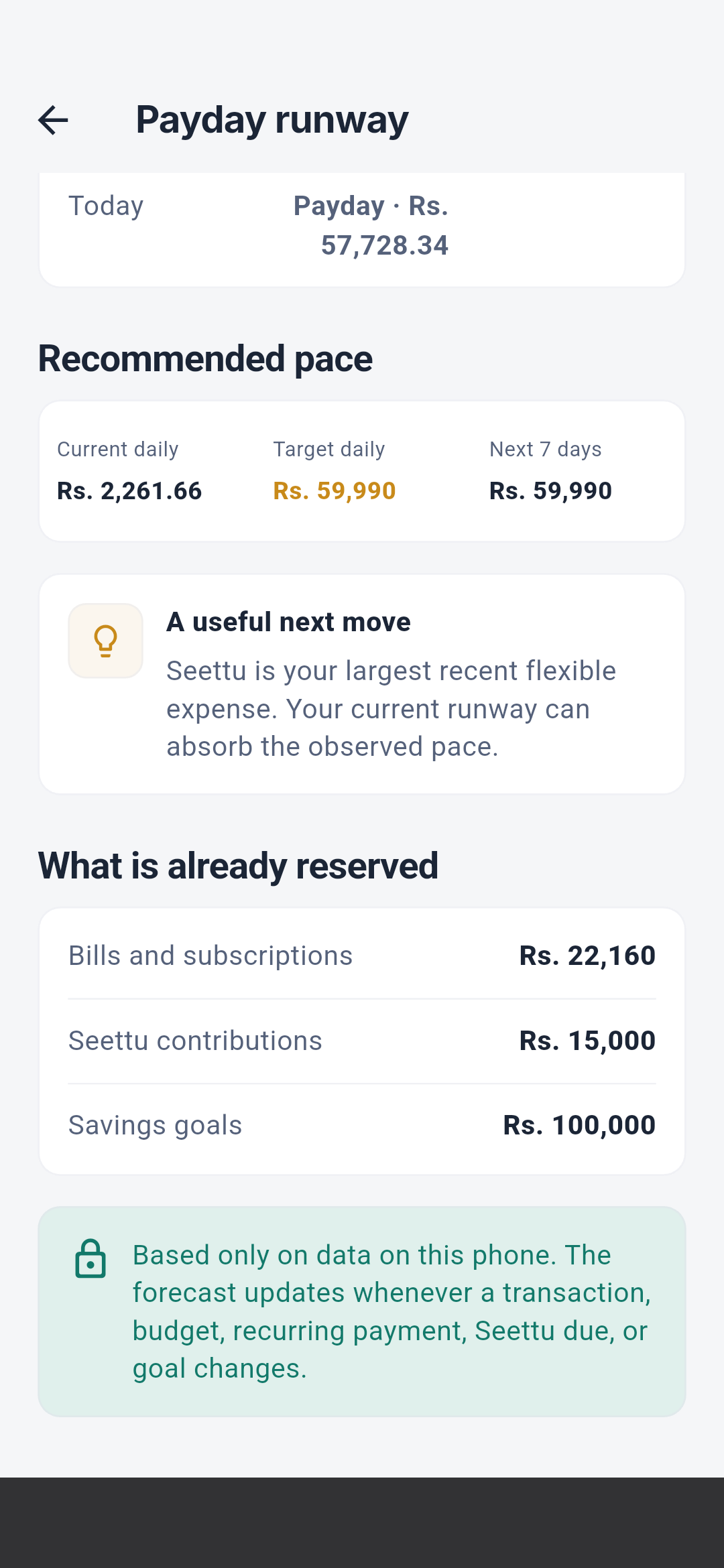
See Payday runway for the inputs and boundary cases.
Goals
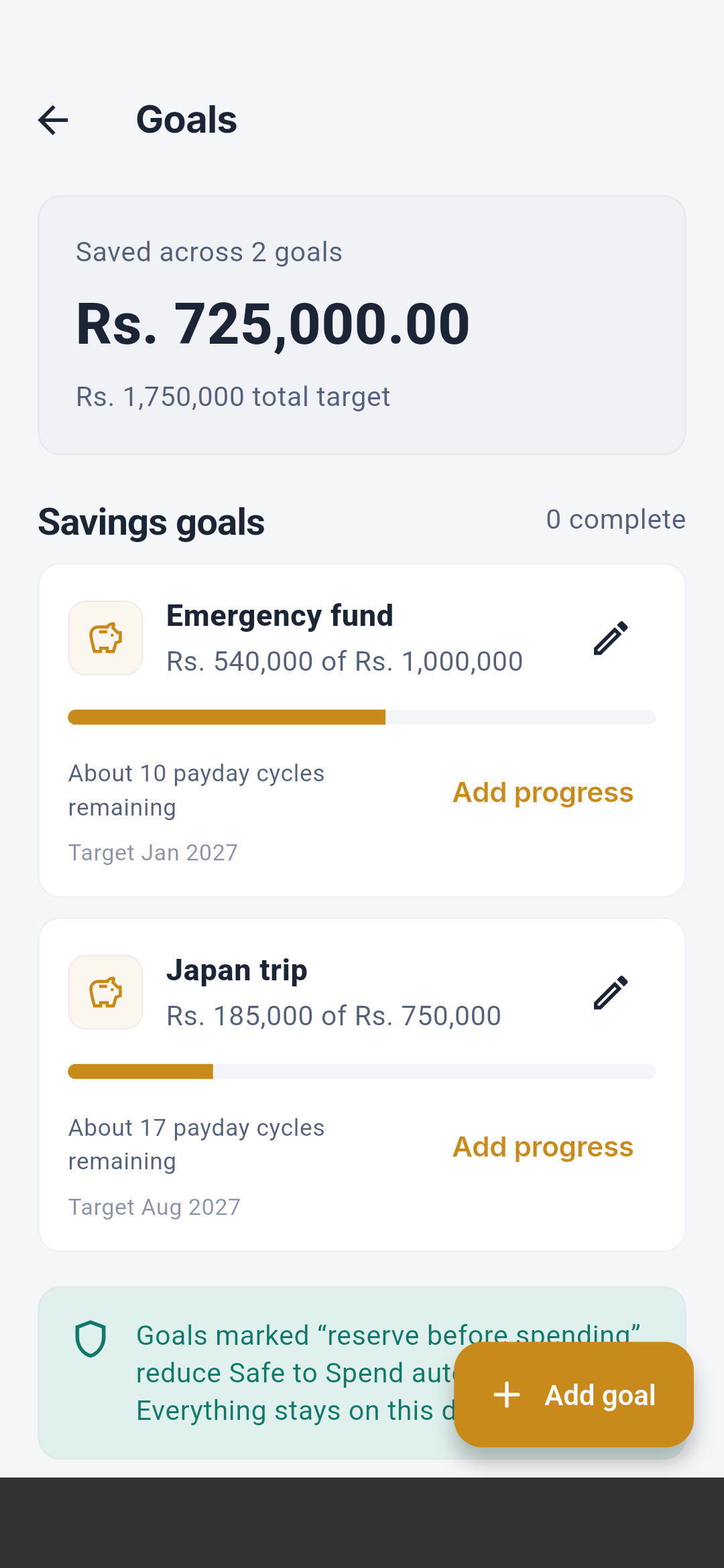
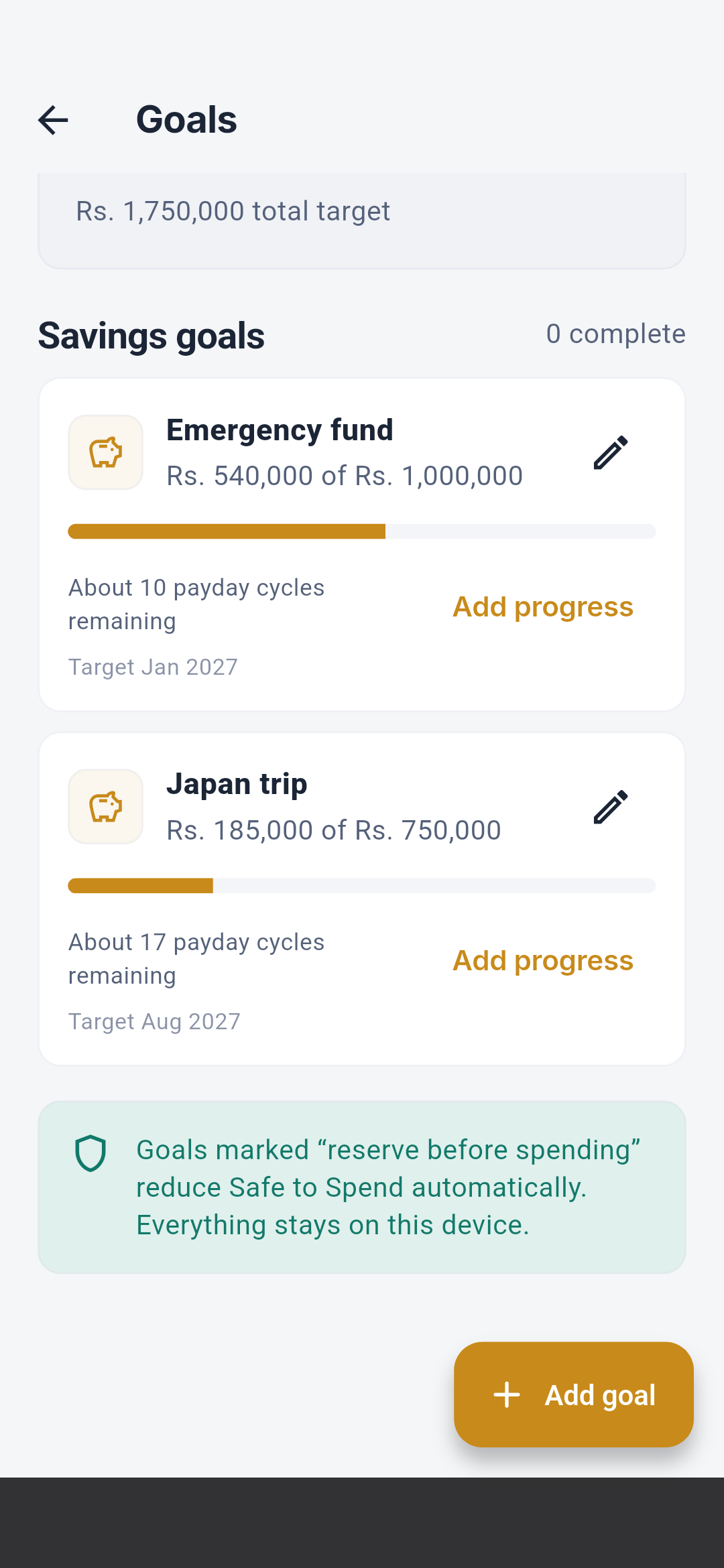
See Savings goals. Editor and contribution sheets appear in
the Visual screen guide.
Accounts
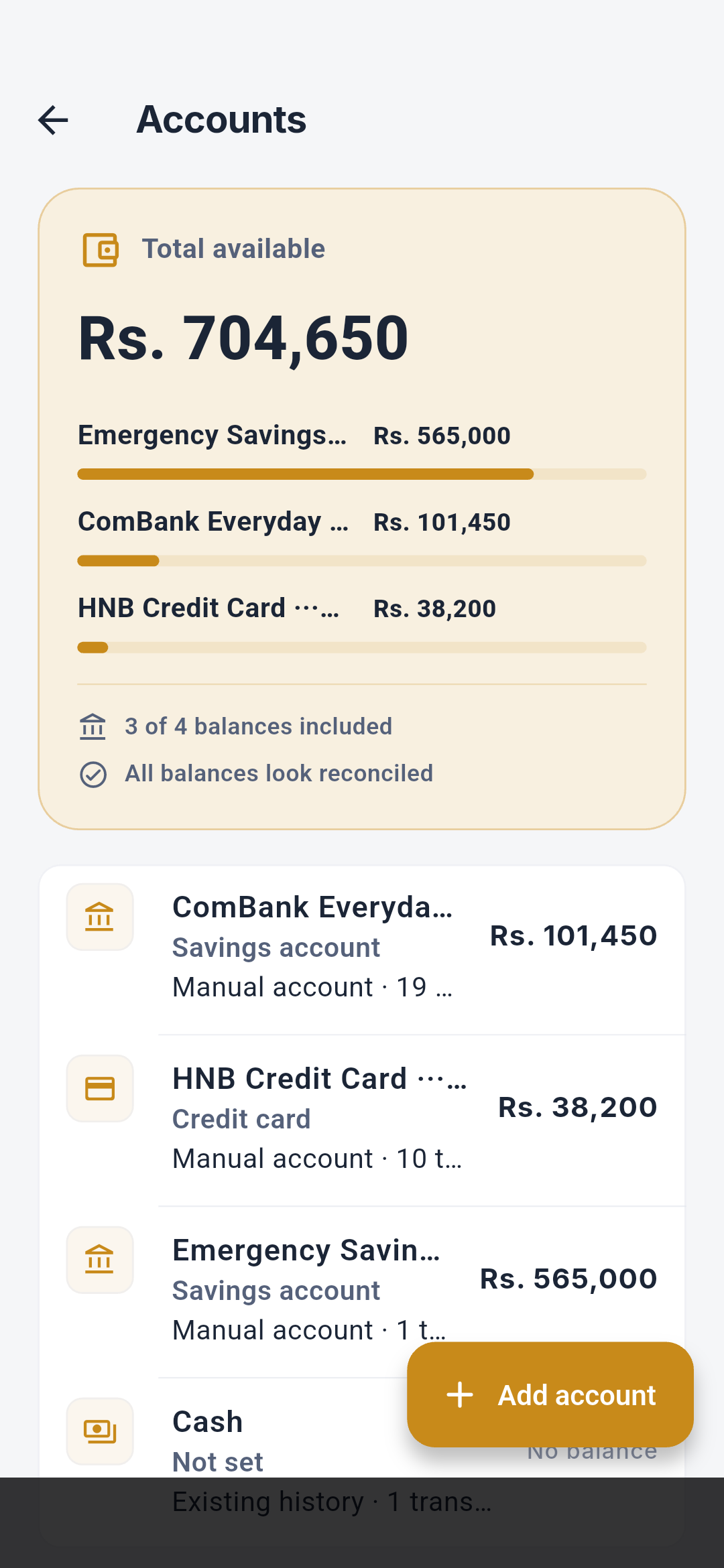
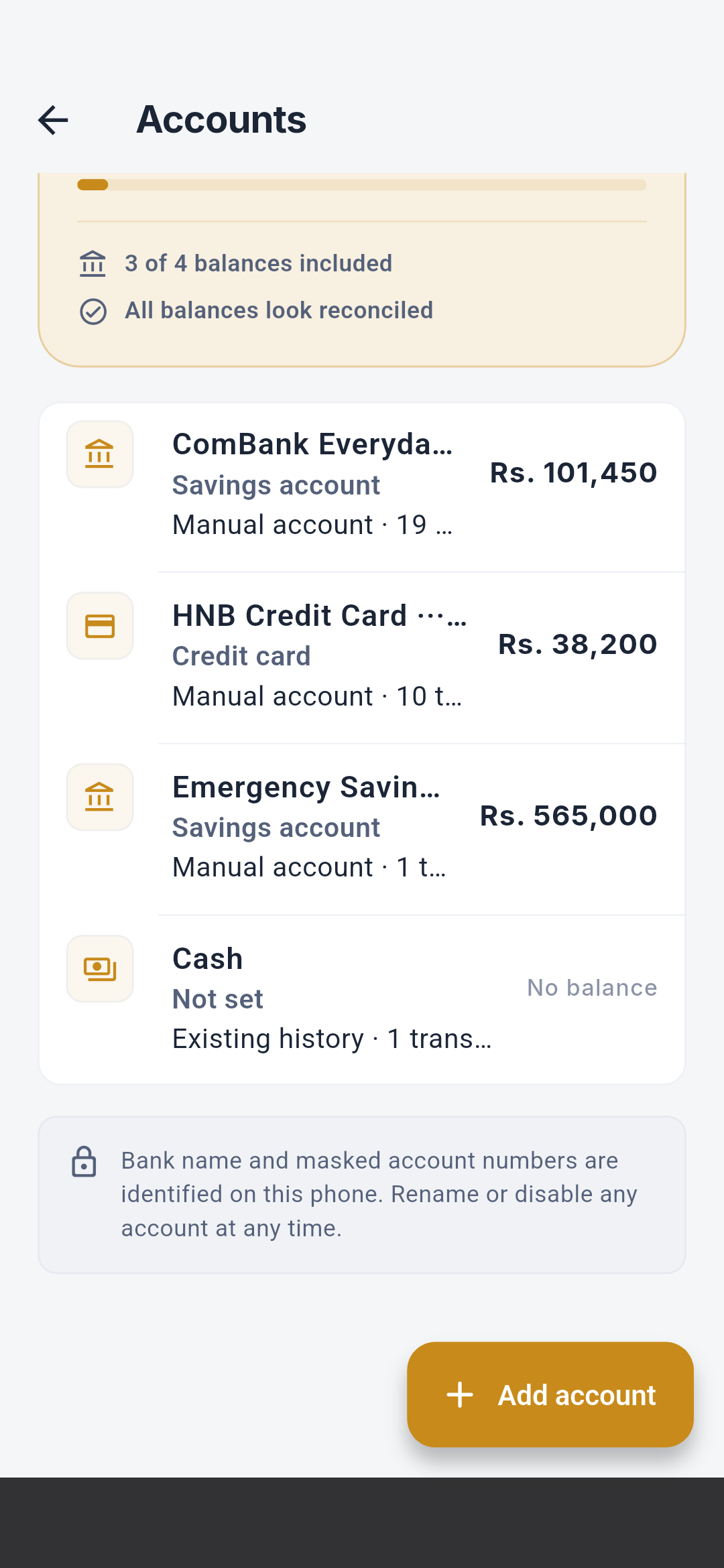
See Accounts and wallets. Detail, balance, edit,
and create sequences appear in the Visual screen guide.
Scheduled payments
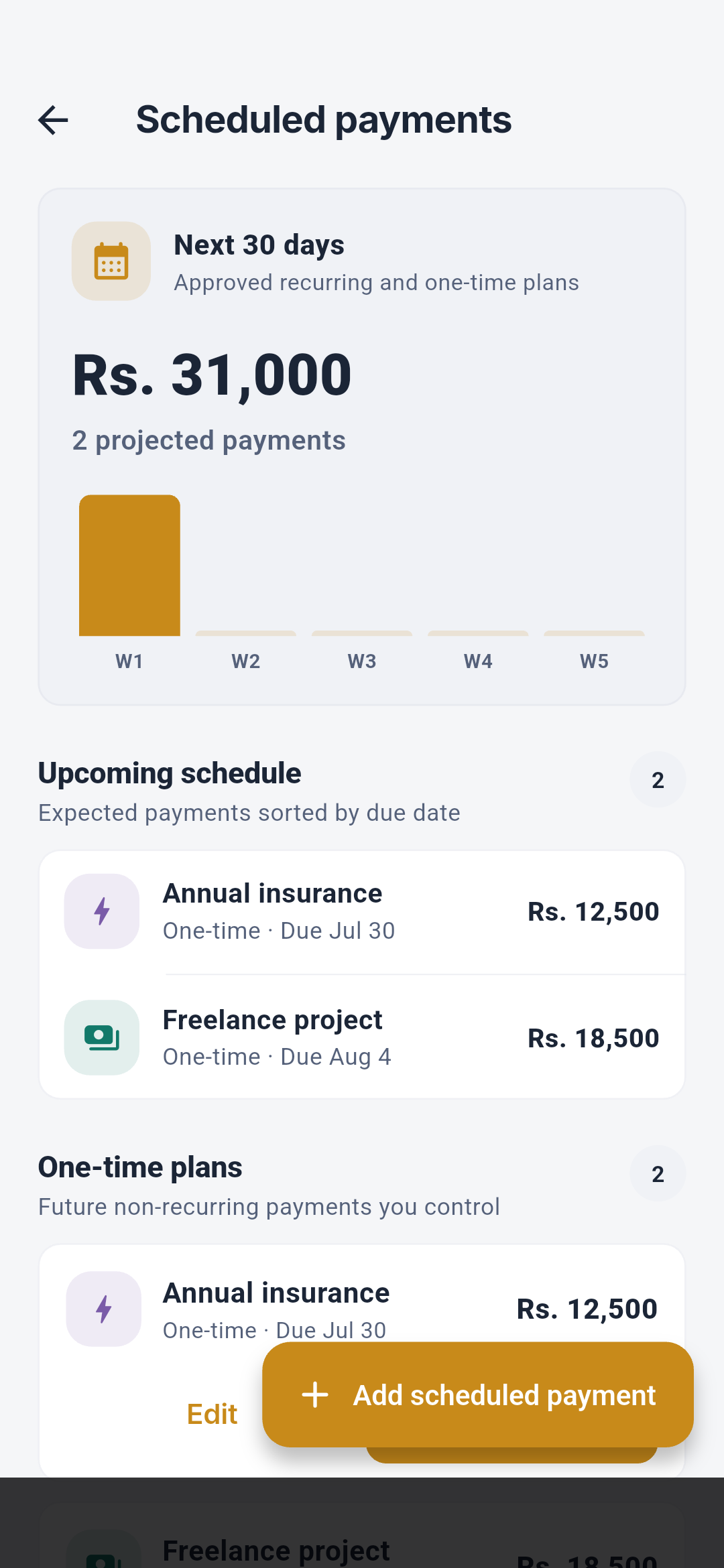
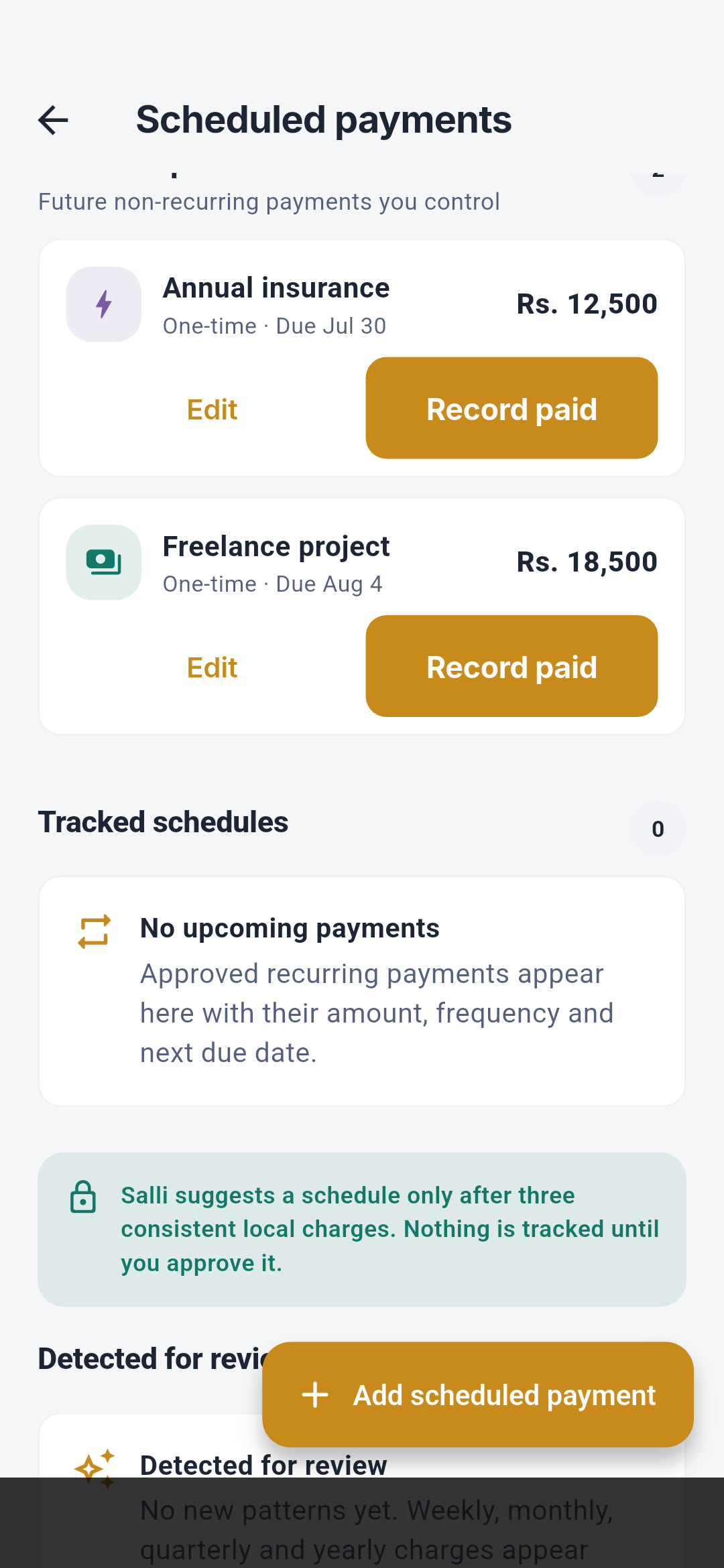
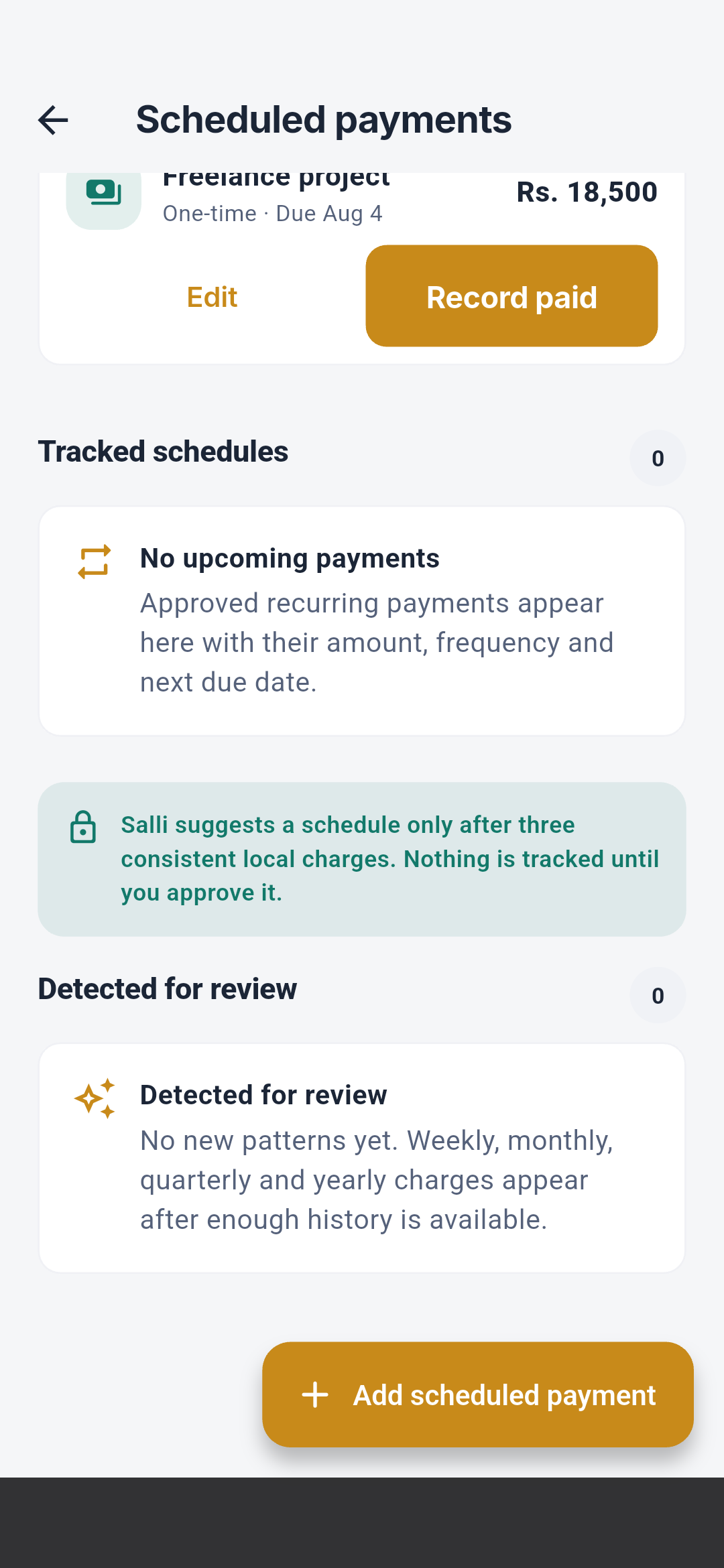
See Scheduled payments. New and edit sequences
appear in the Visual screen guide.
Auto-tracking
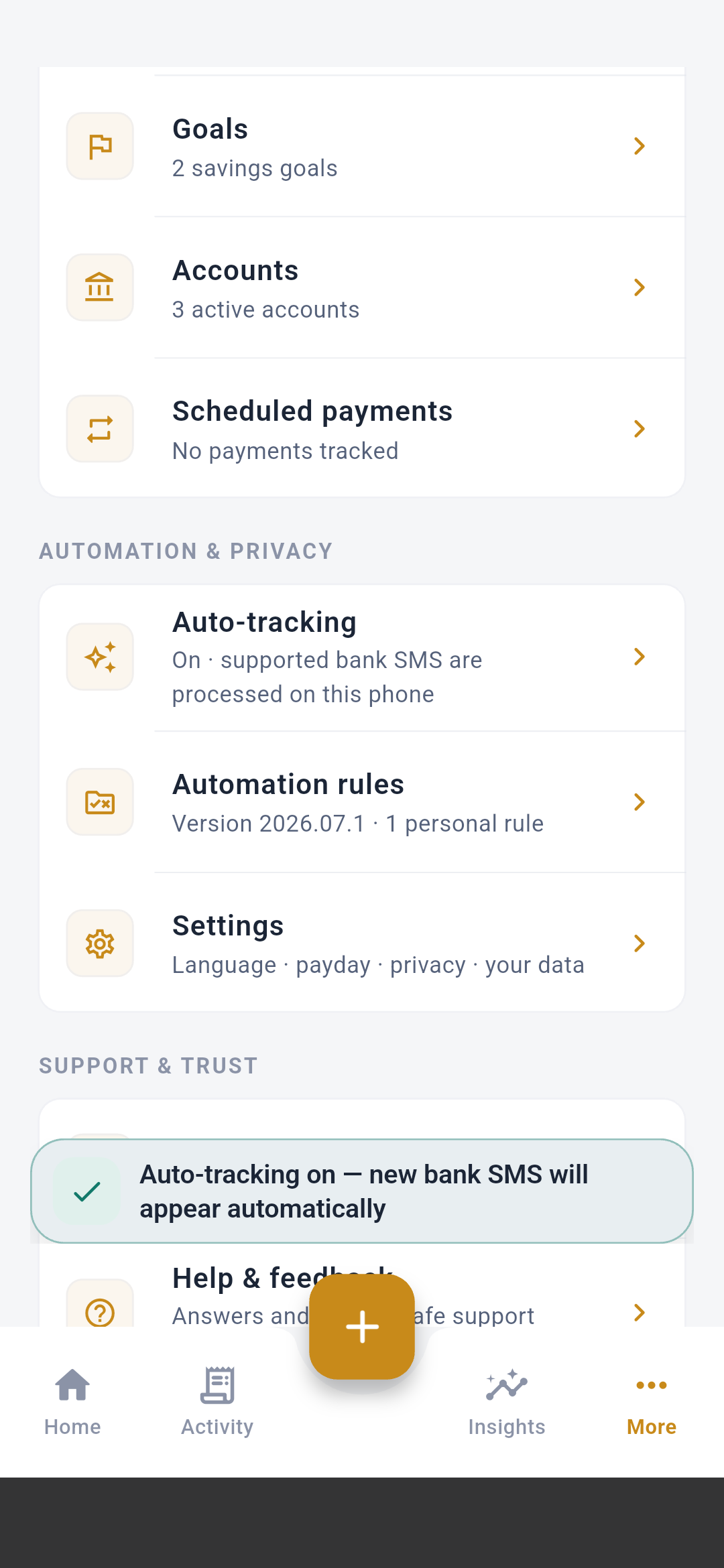 The row explains the current state before any permission prompt. On Android,
tapping it requests SMS access, requests notification access for local review
reminders, begins the on-device listener, and scans the supported inbox
window. The success message confirms that tracking is ready; denial leaves the
setting off. Salli never asks for bank credentials, and a parsed item remains
in review until confirmed.
See SMS auto-tracking and
Supported institutions.
The row explains the current state before any permission prompt. On Android,
tapping it requests SMS access, requests notification access for local review
reminders, begins the on-device listener, and scans the supported inbox
window. The success message confirms that tracking is ready; denial leaves the
setting off. Salli never asks for bank credentials, and a parsed item remains
in review until confirmed.
See SMS auto-tracking and
Supported institutions.
Automation rules
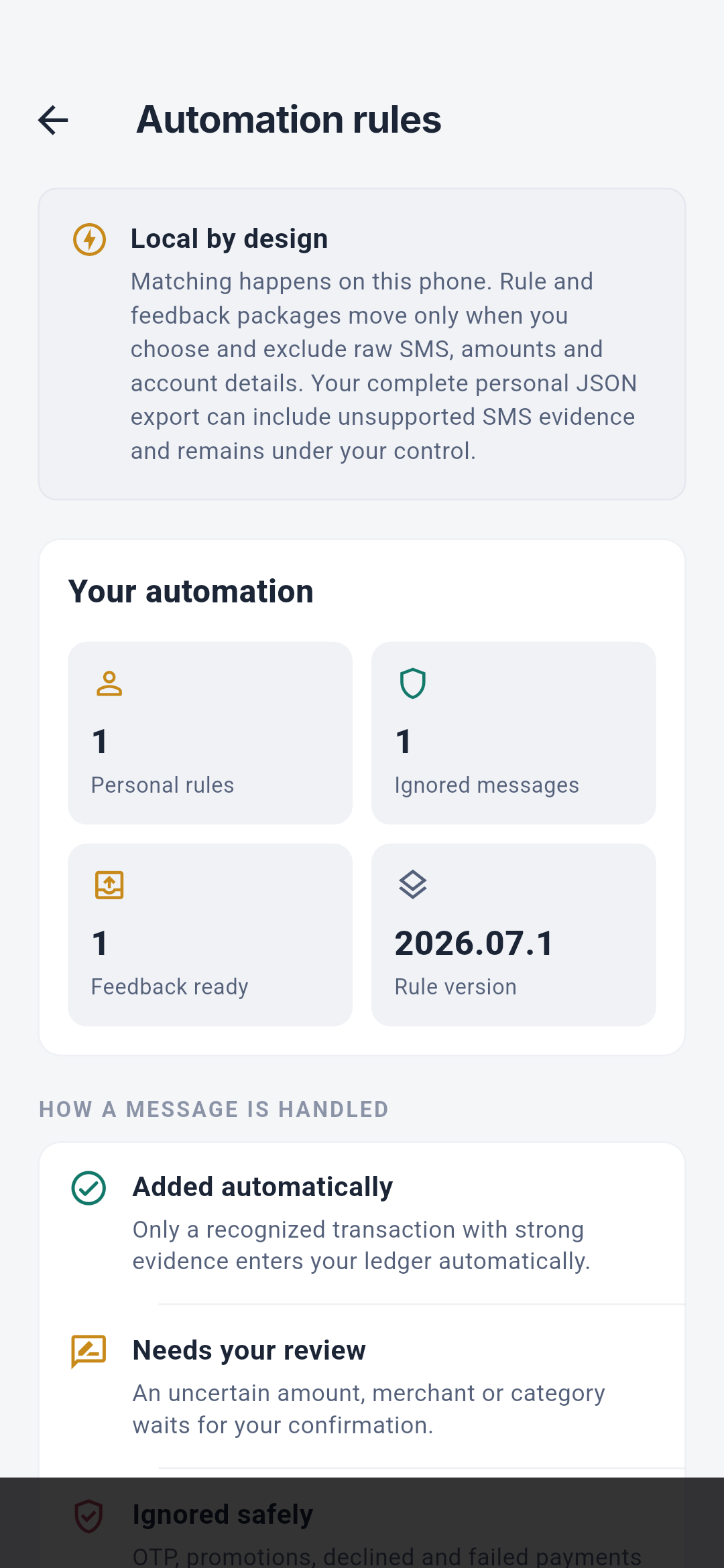
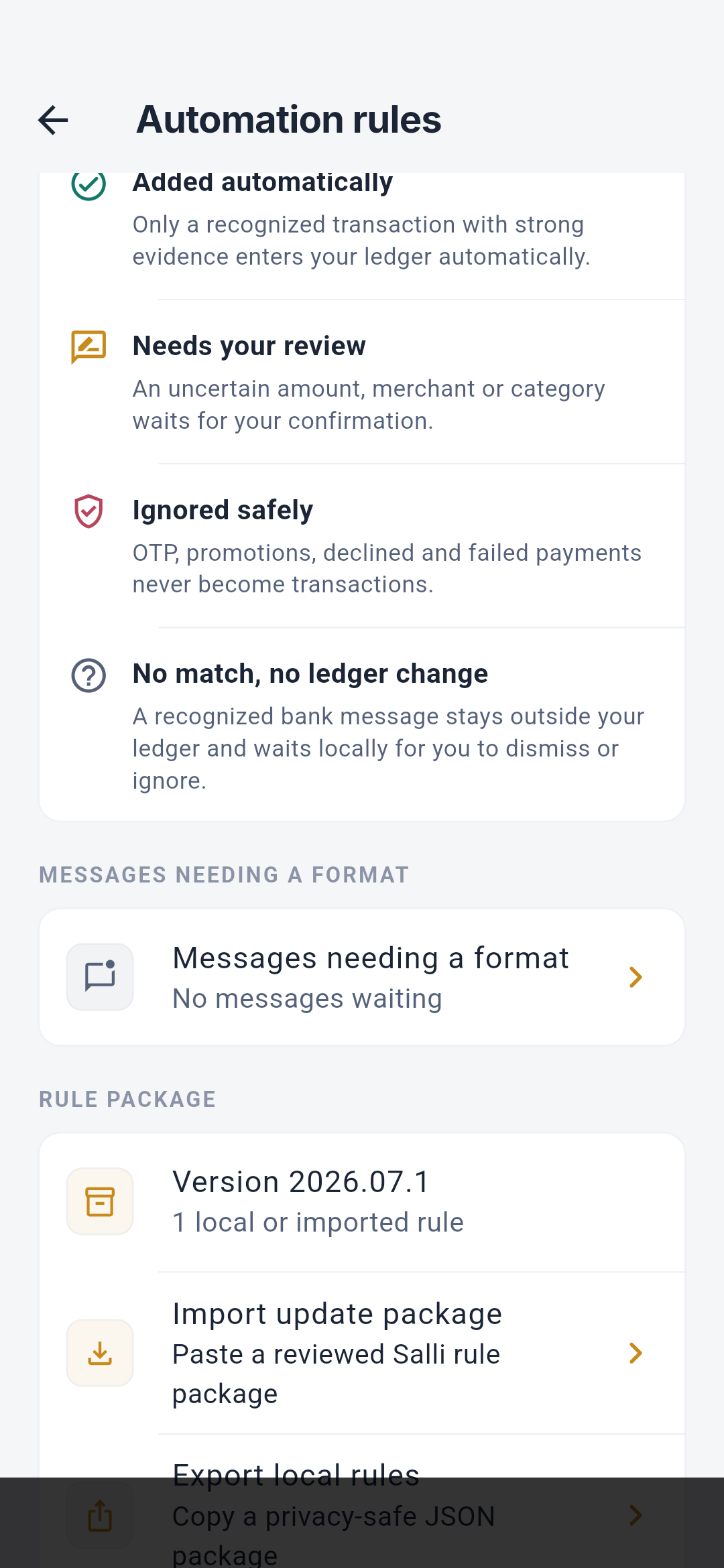
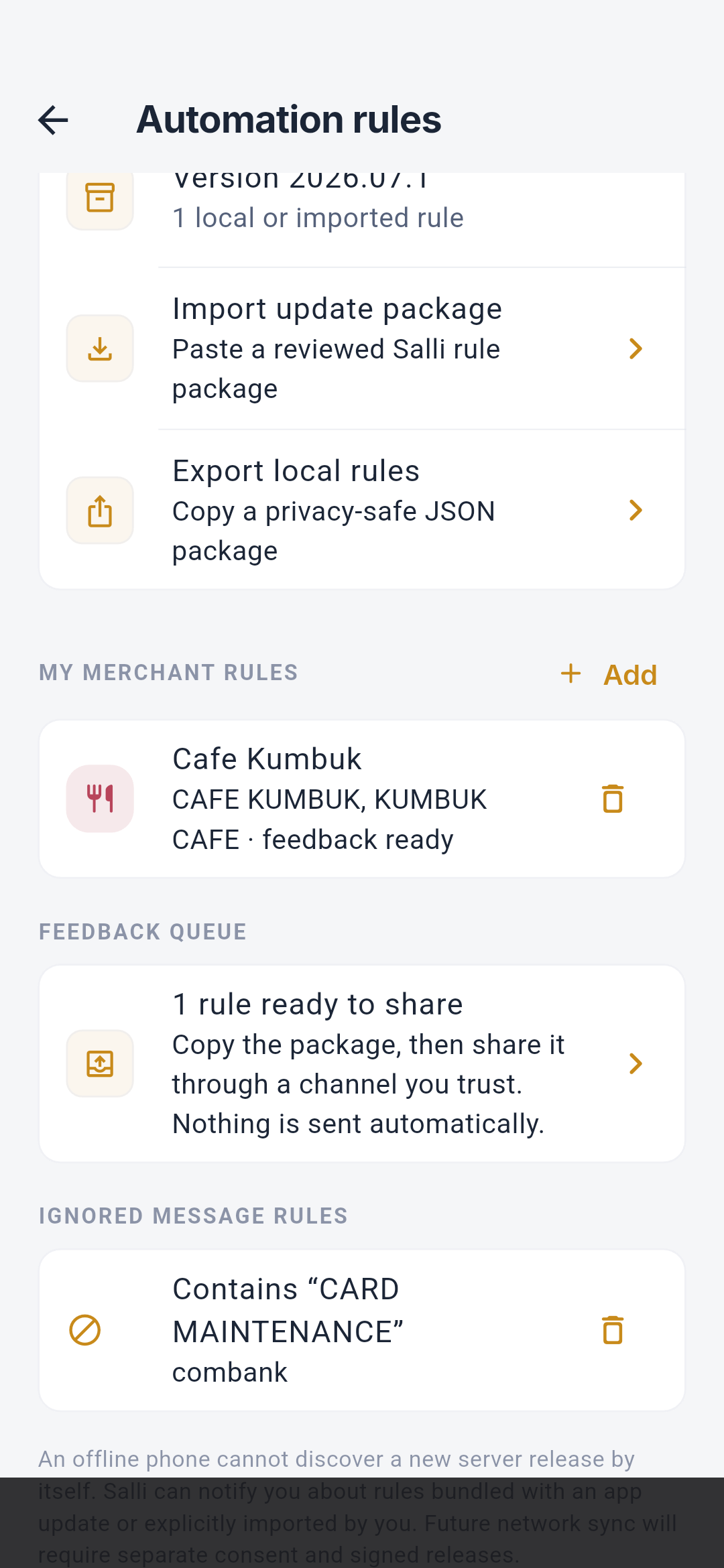
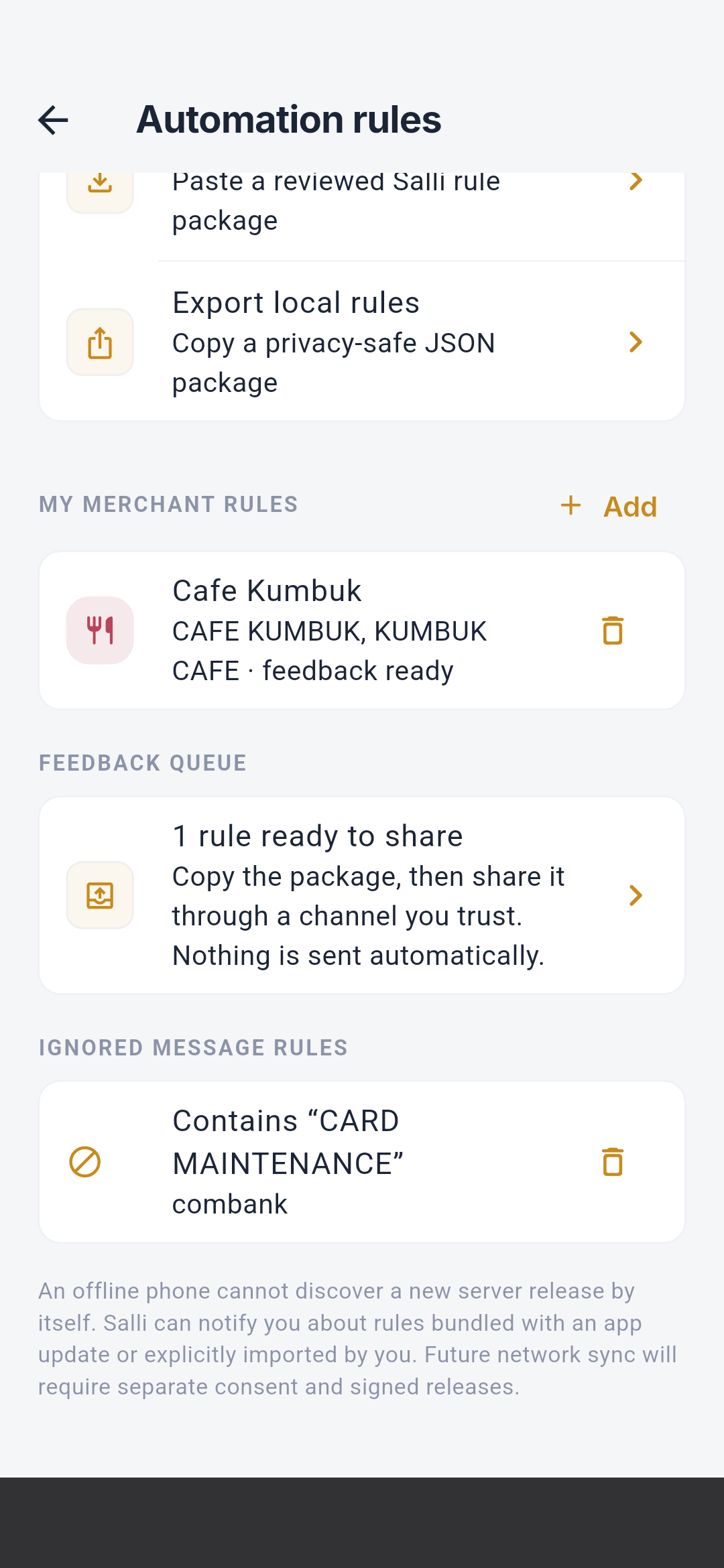
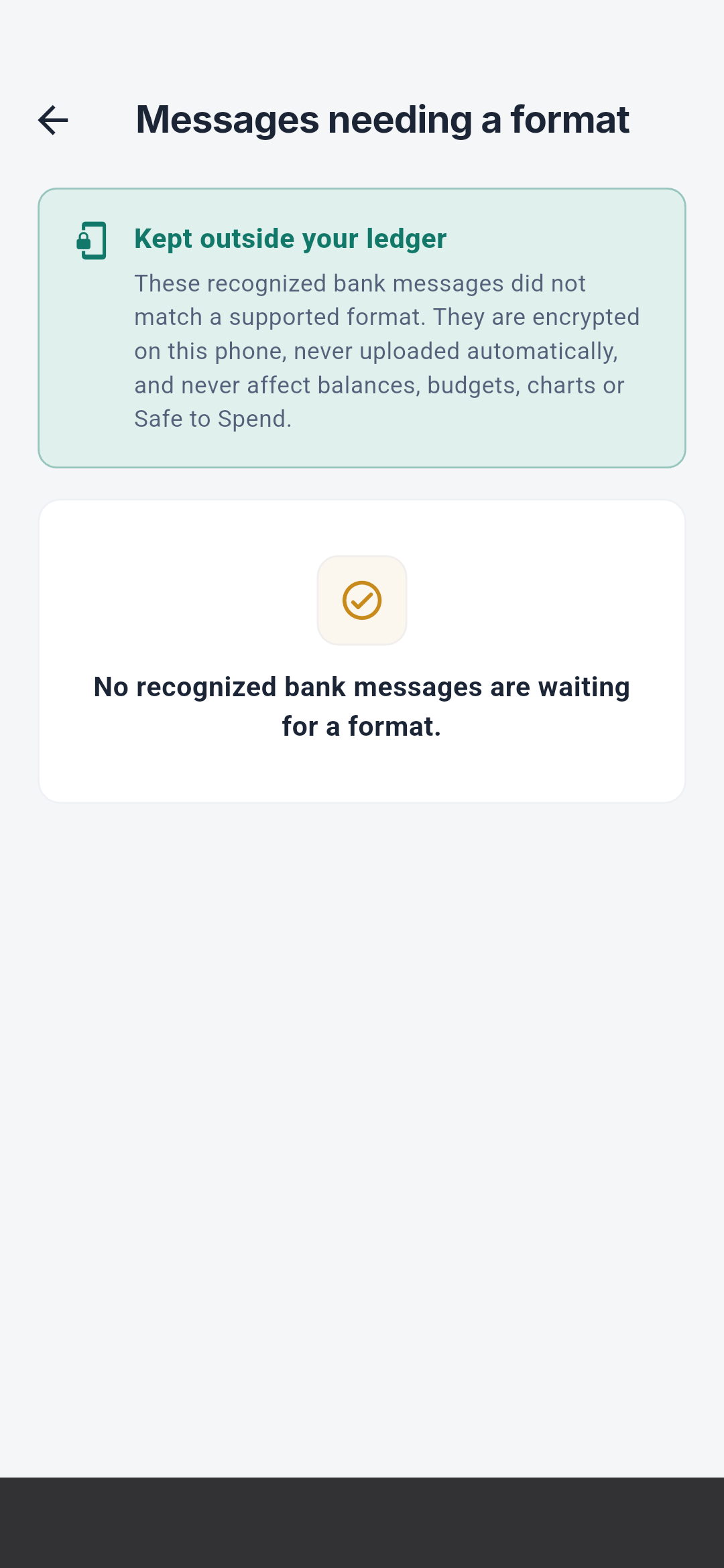
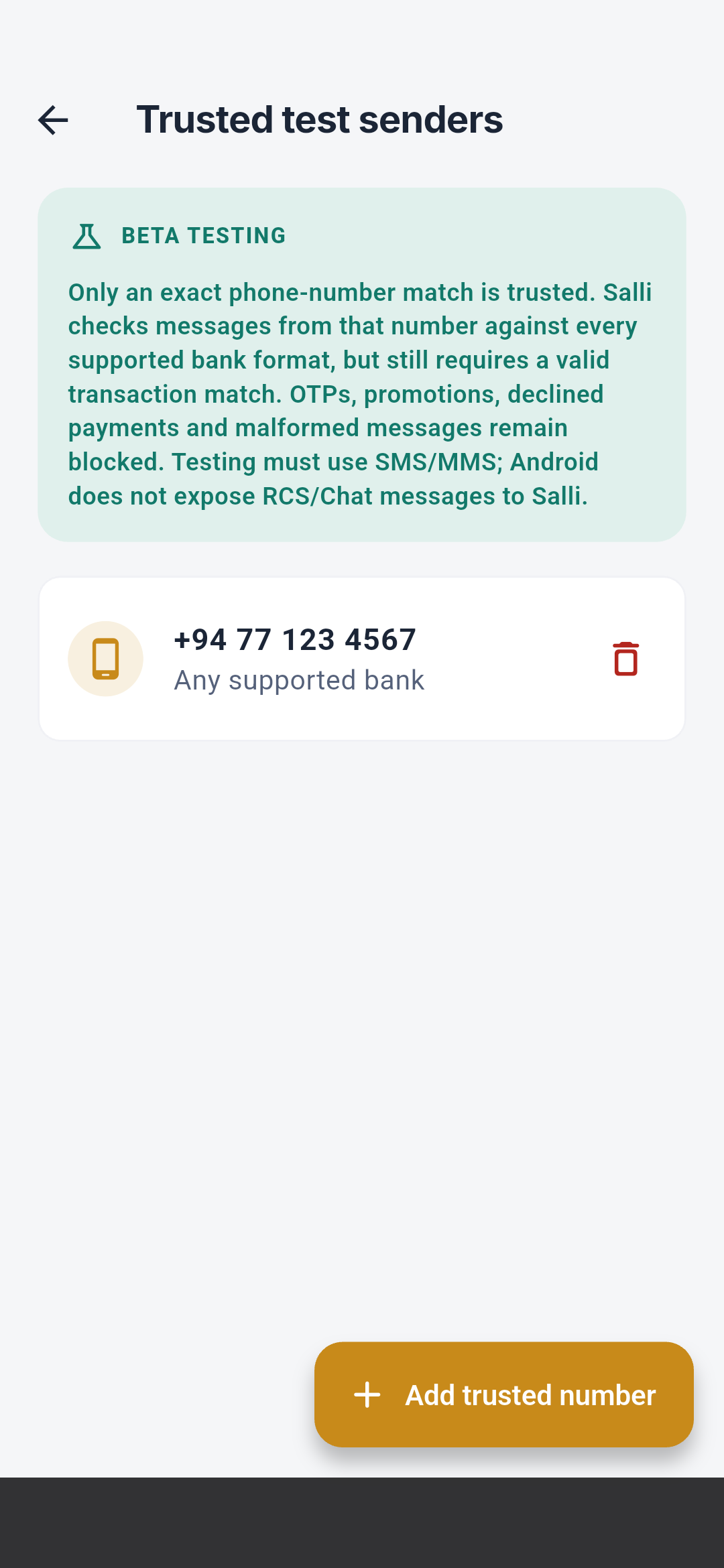
See Rules and intelligence for match order,
learning boundaries, and reset behavior.
Settings
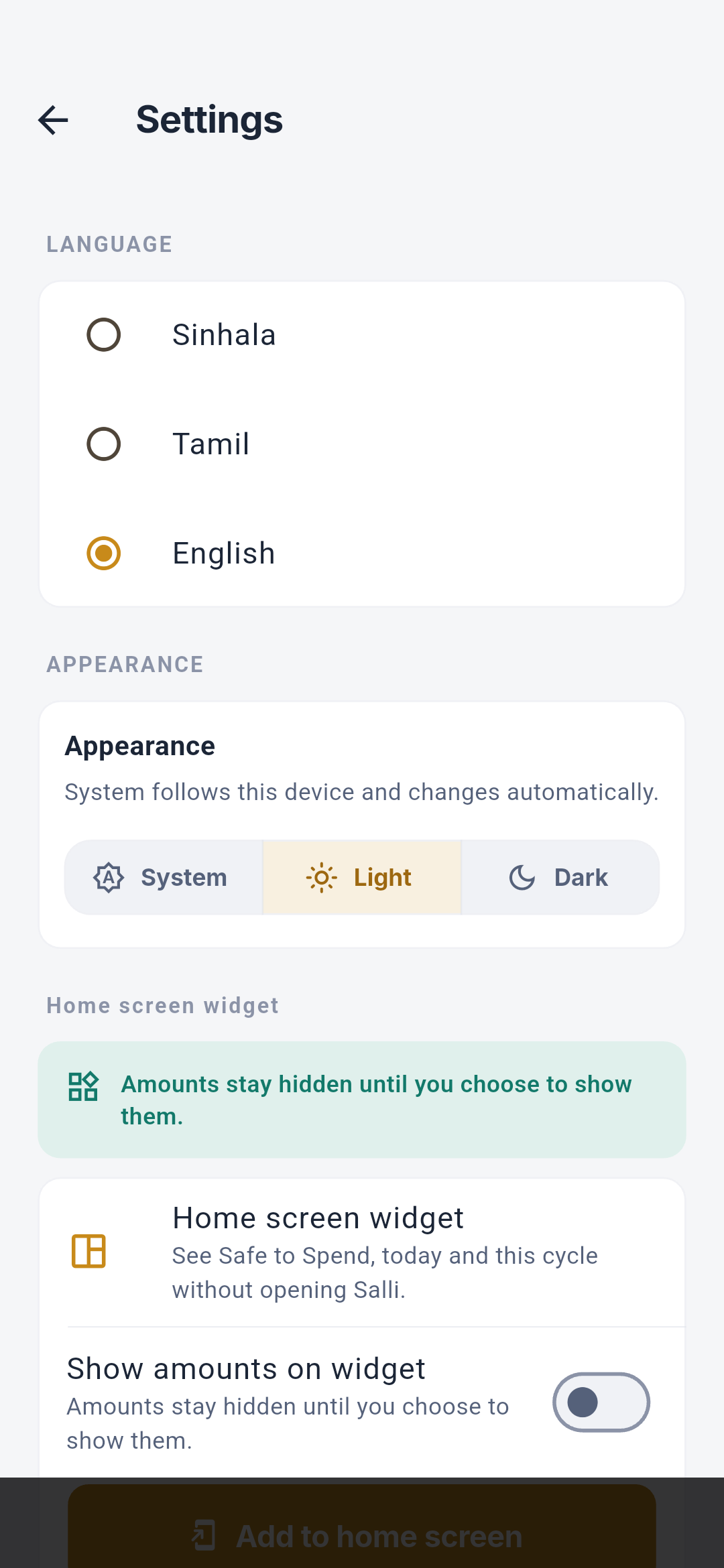
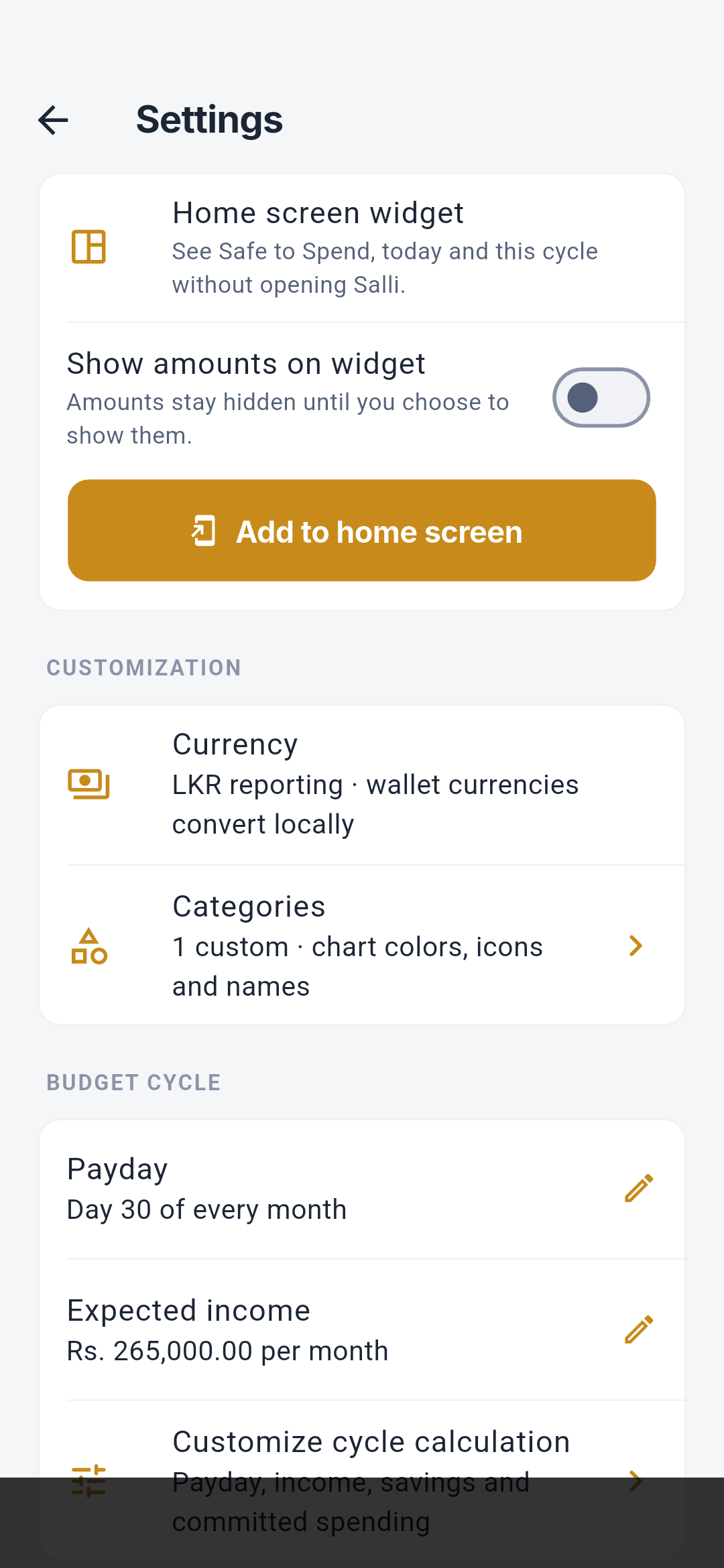
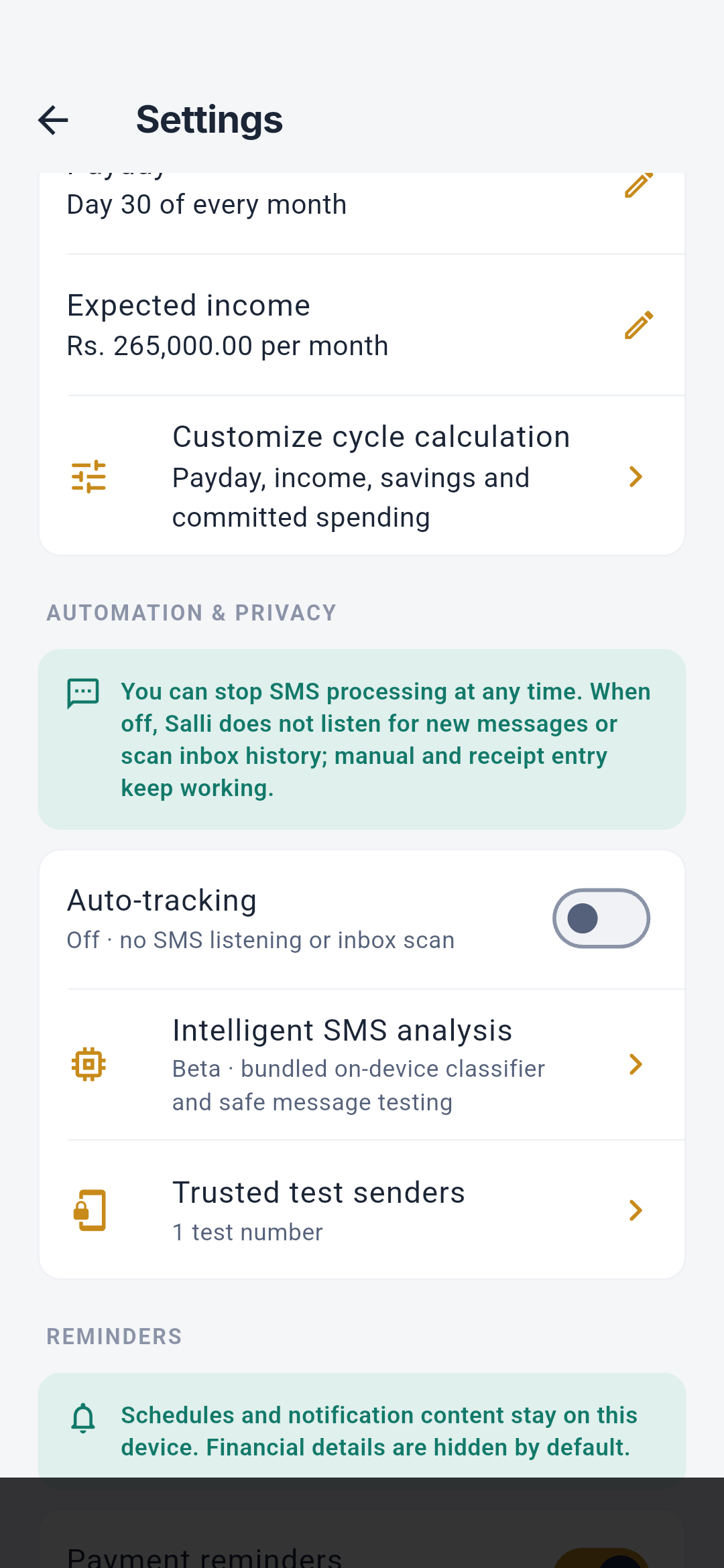
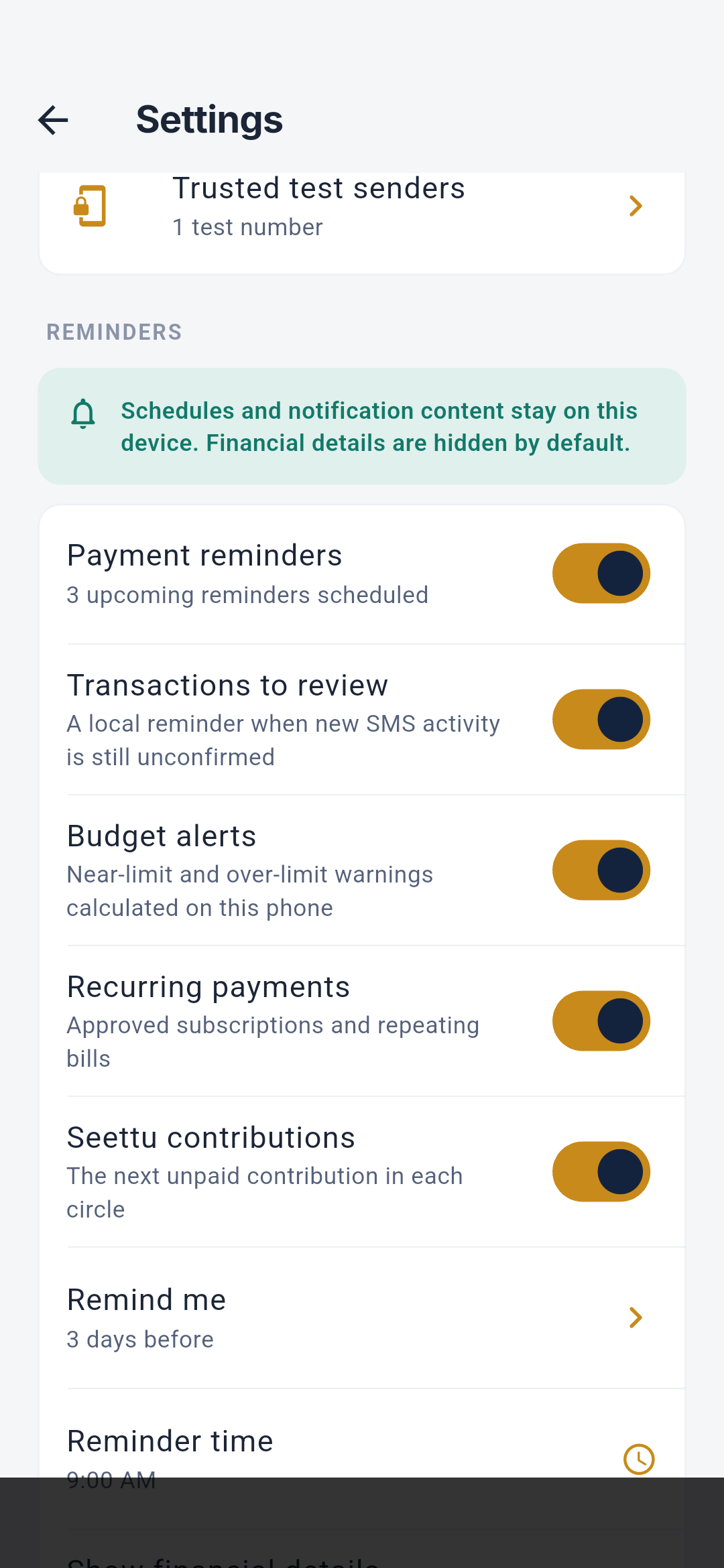
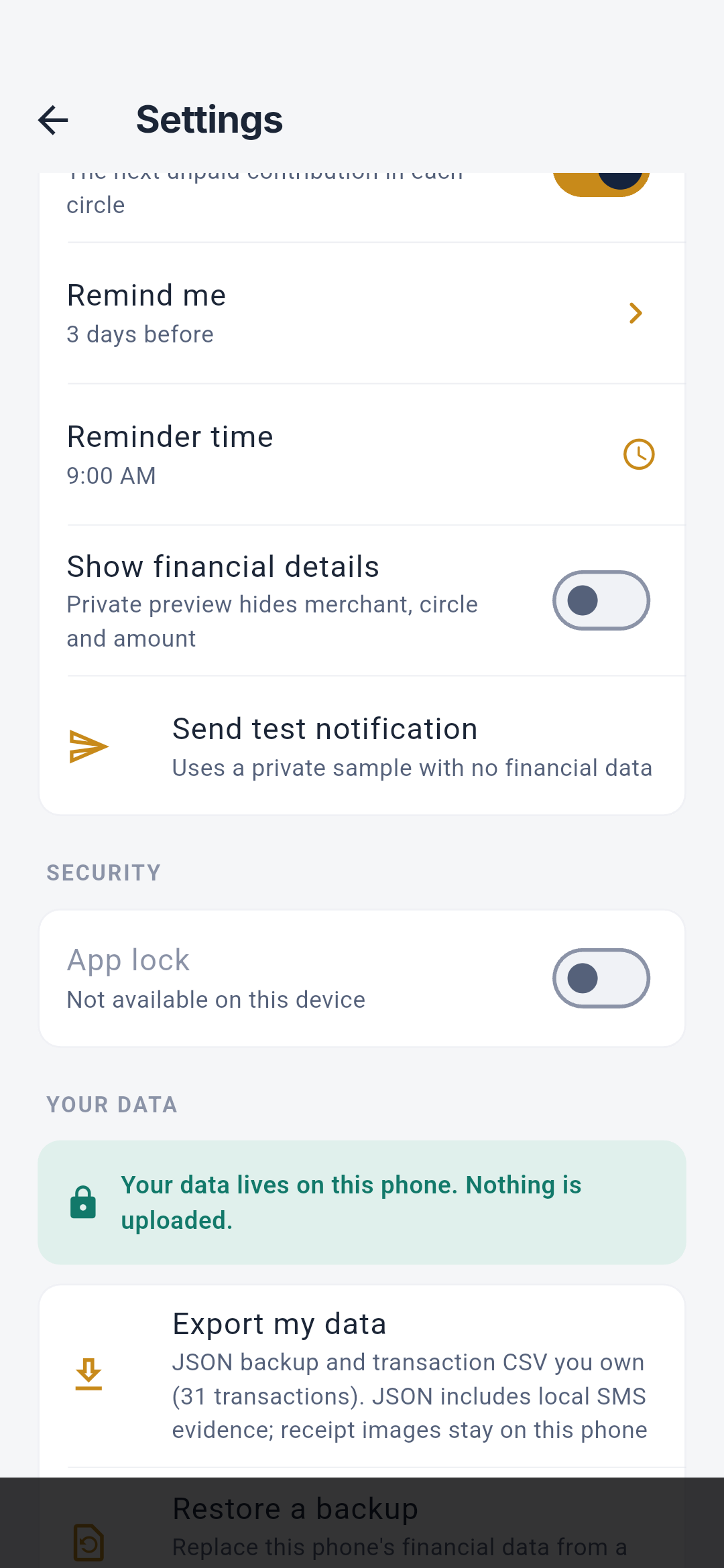
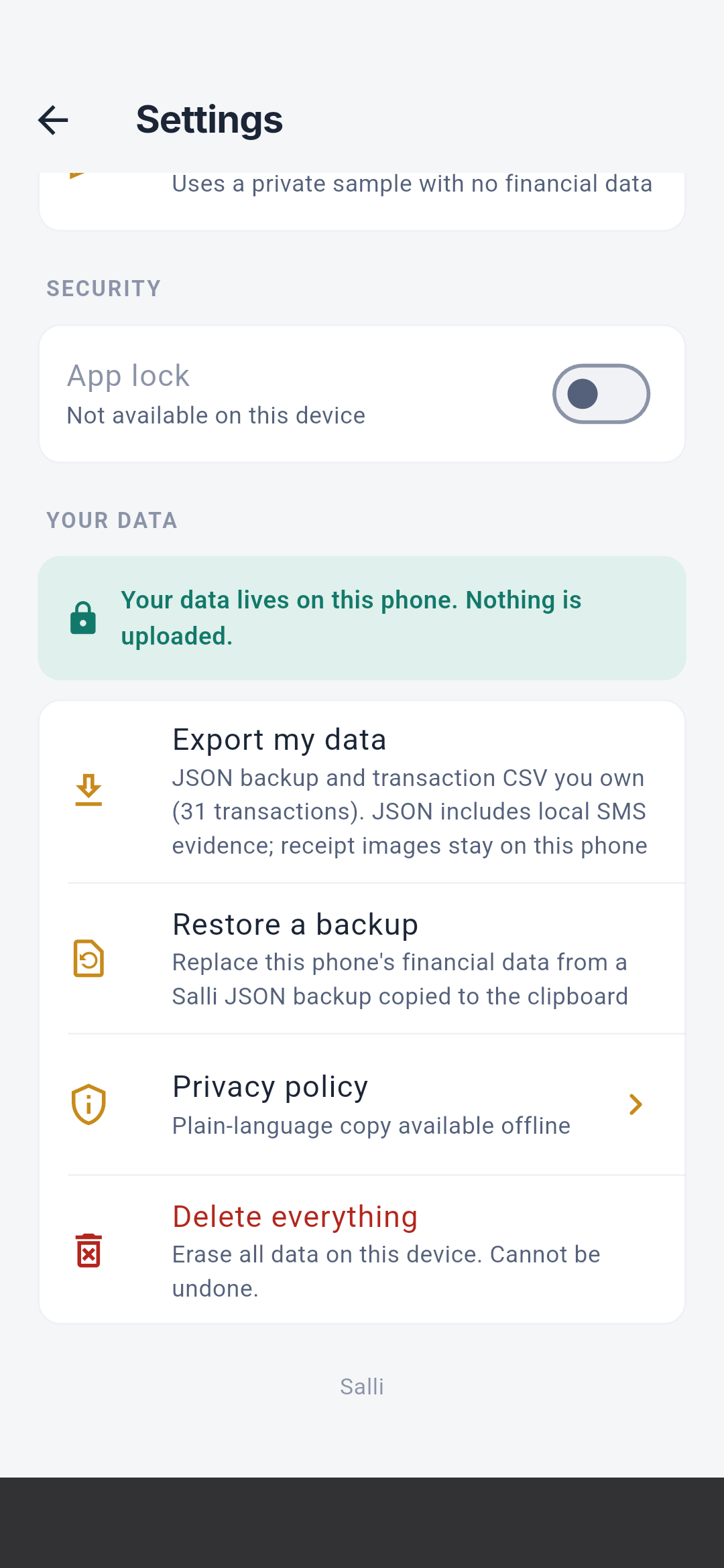
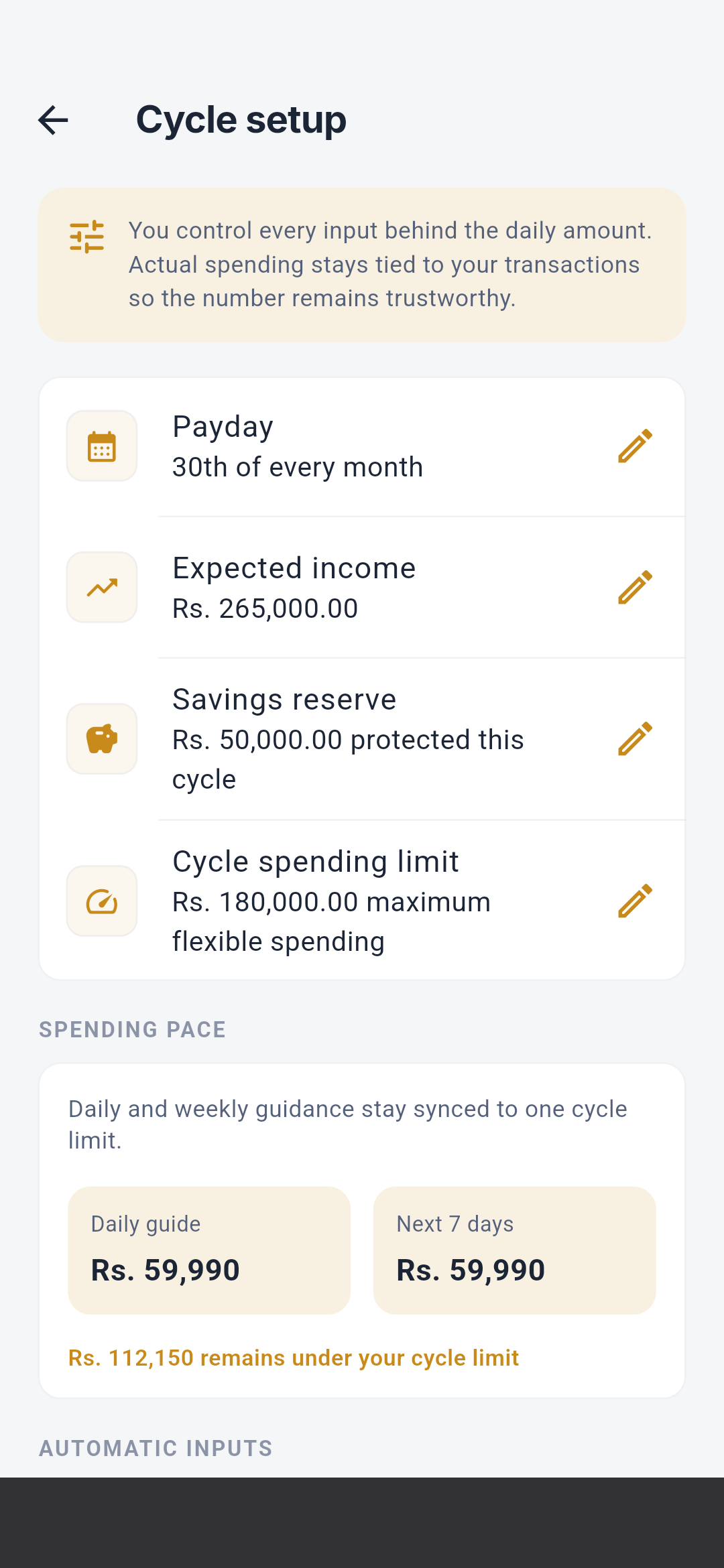
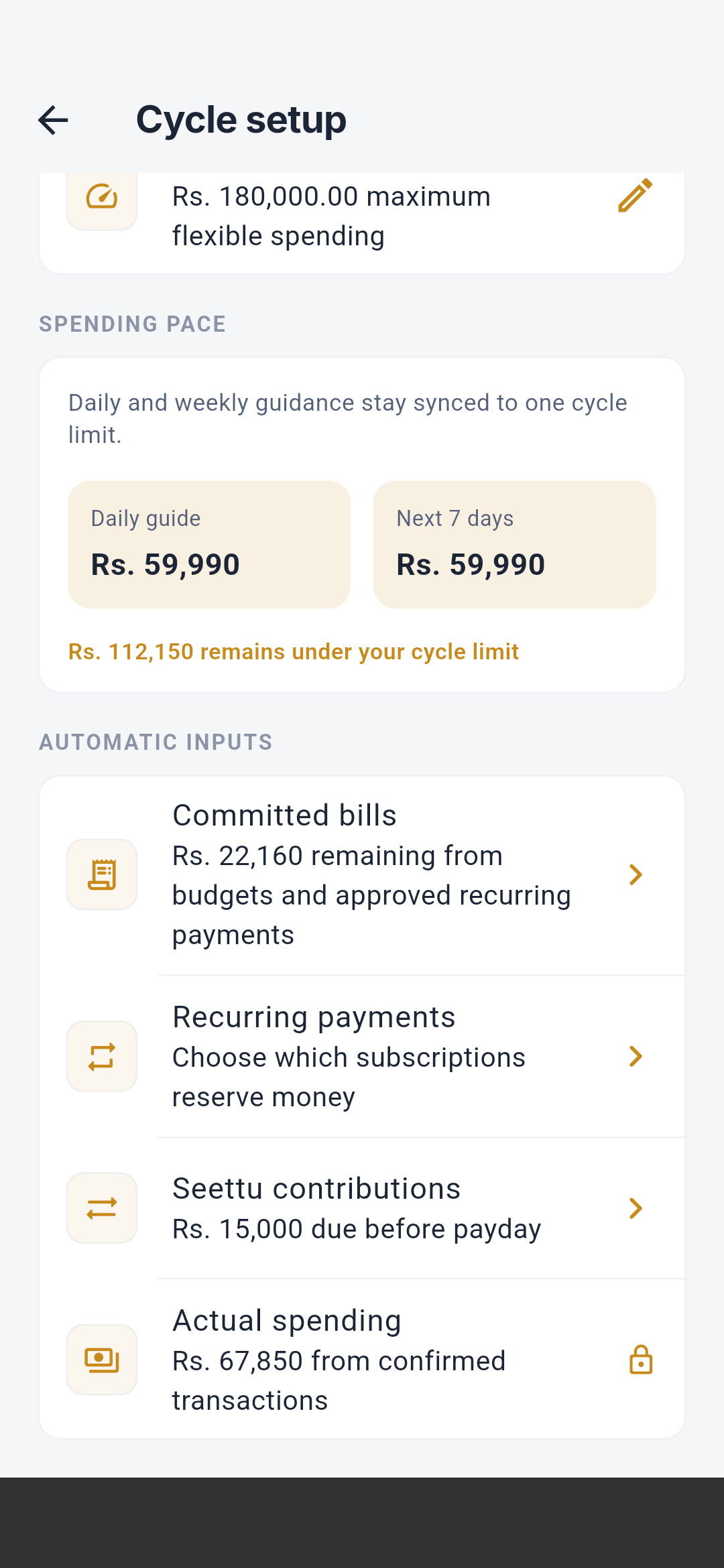
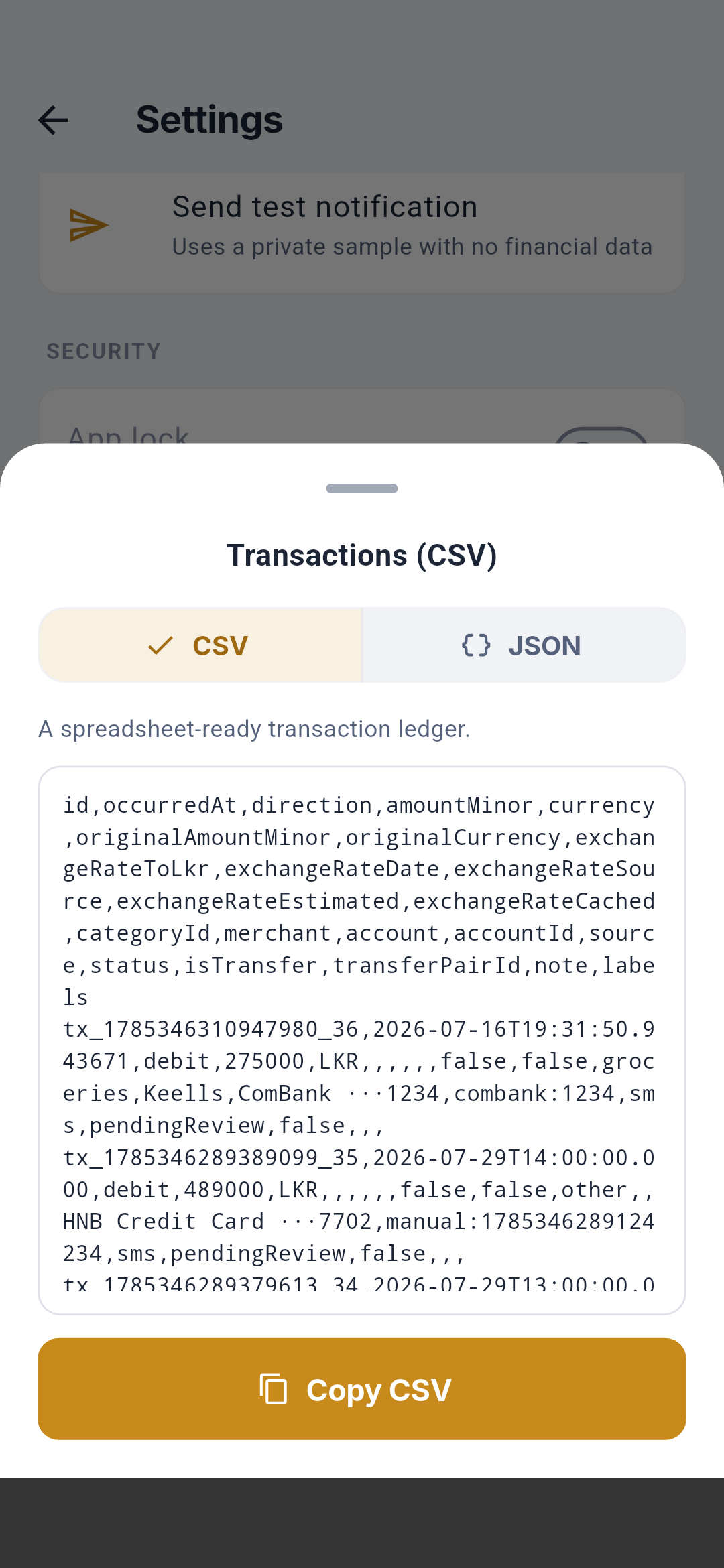
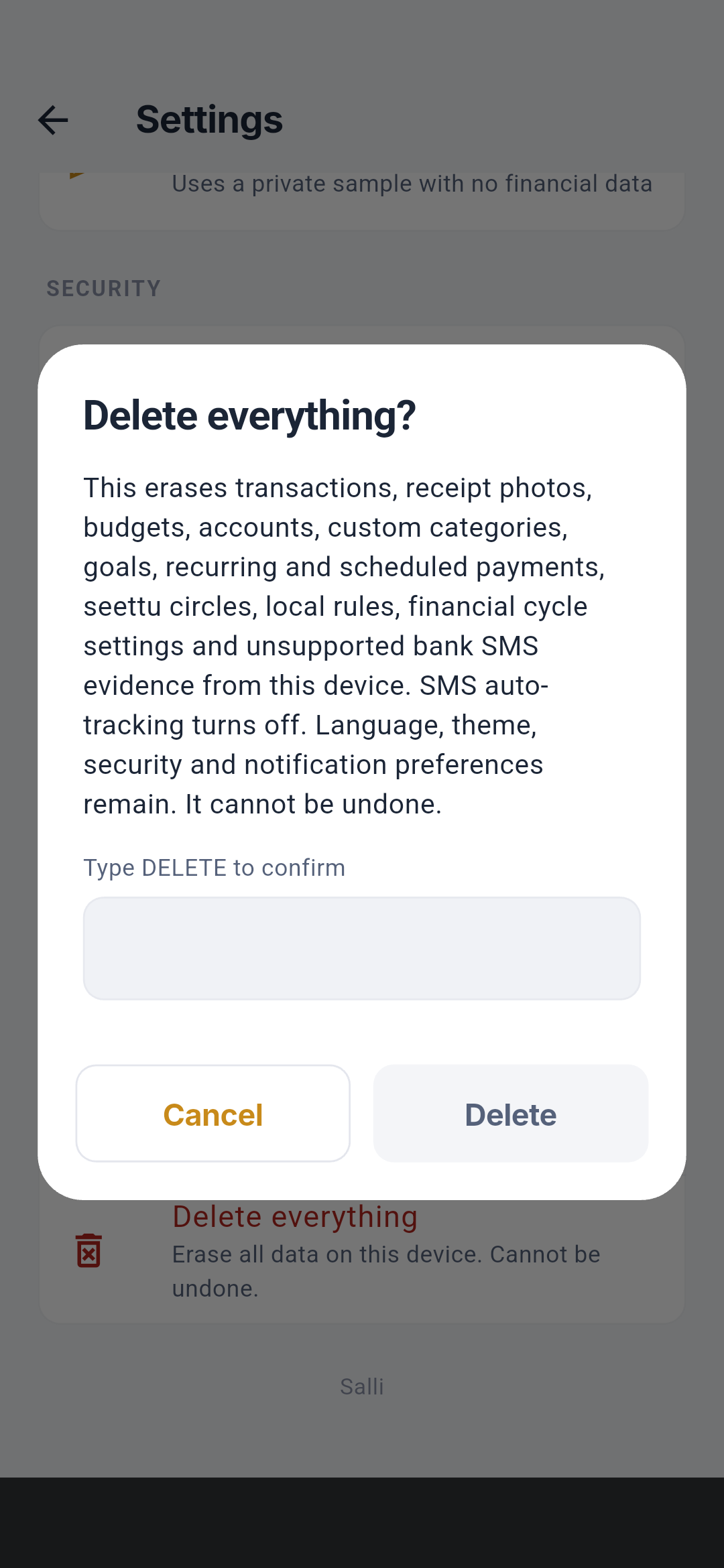
The cycle-calculation screen controls payday, expected income, savings reserve,
committed-spending treatment, spending cap, budget impact, goal reservations,
and Seettu contributions. Its result feeds Safe to Spend; changing it never
edits historical transactions.
See Customize Salli,
Reminders, Home screen widget,
and Backup, export, and delete.
Privacy & data
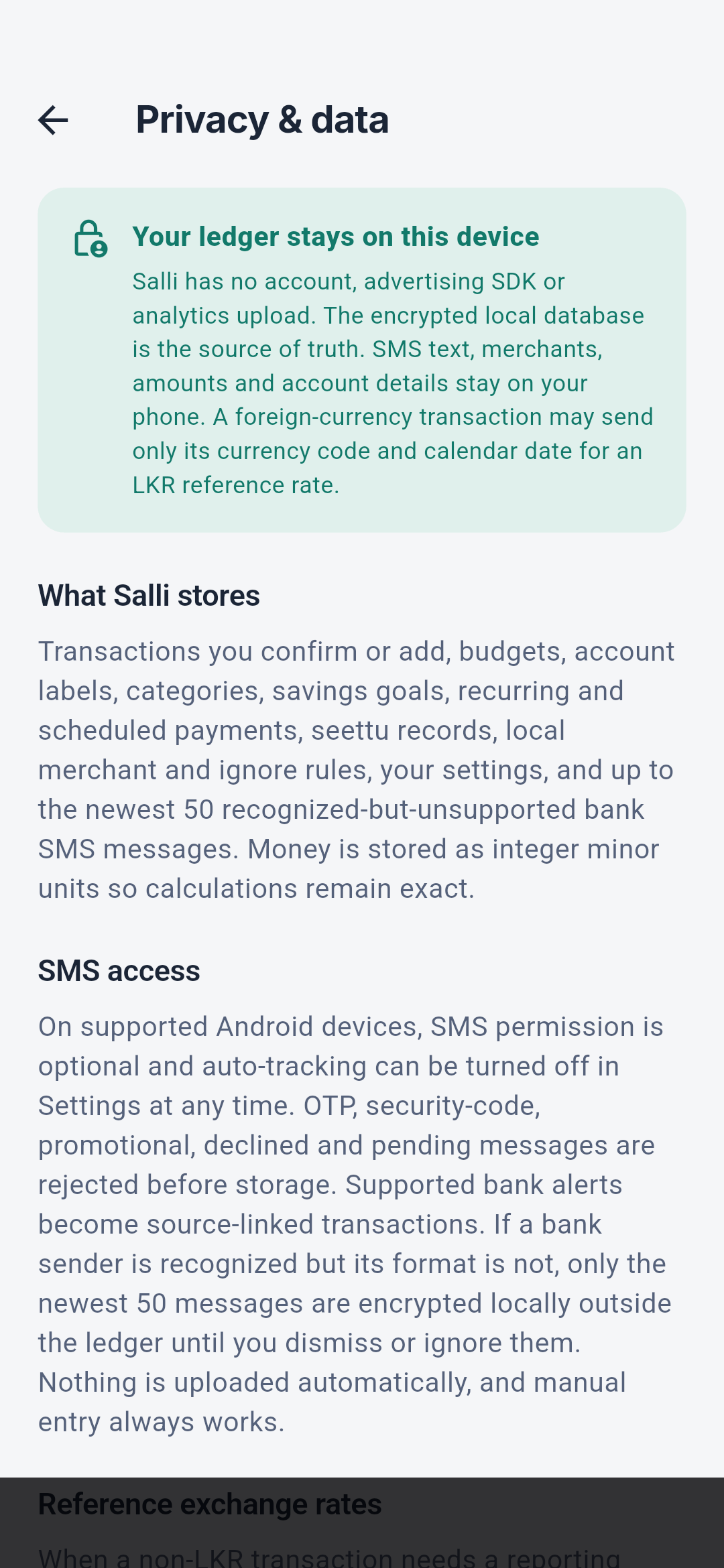
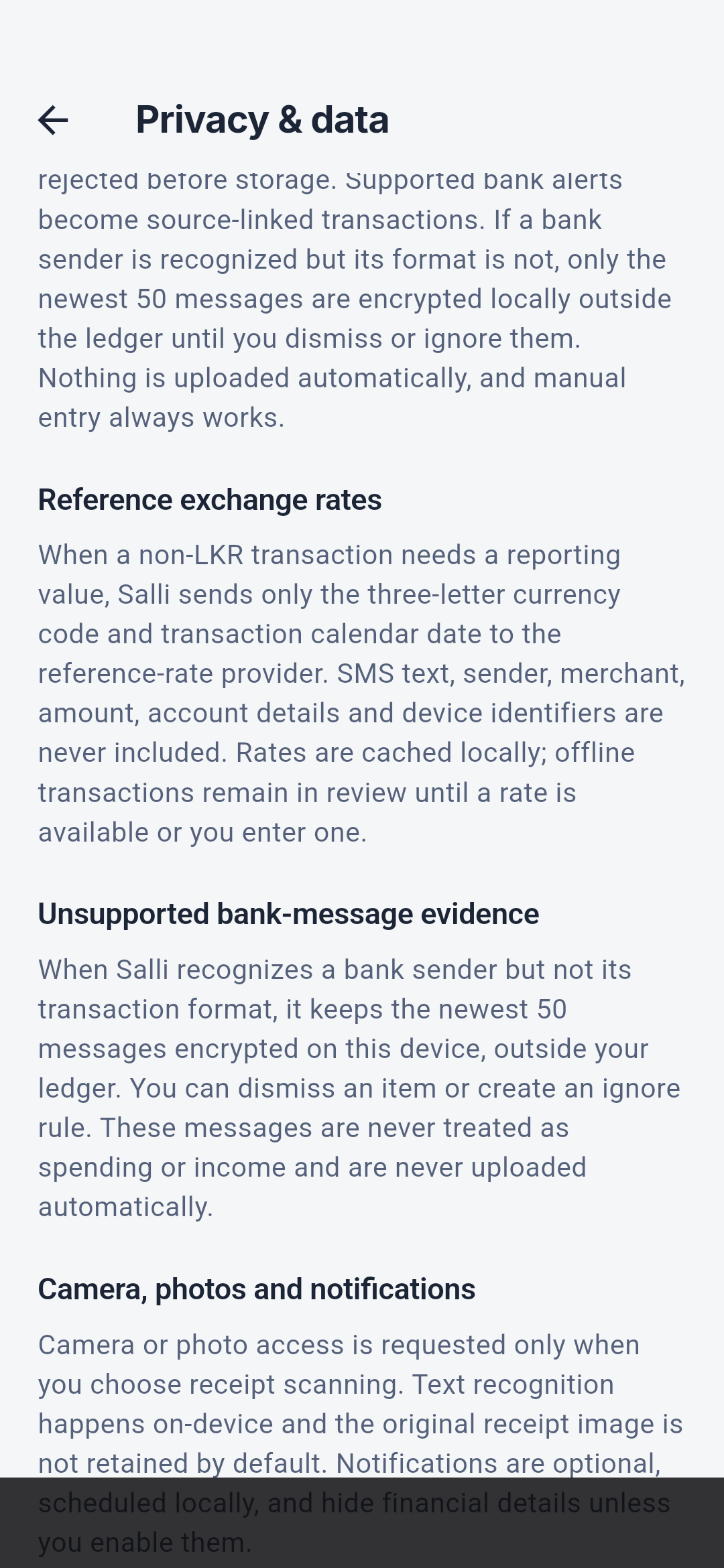
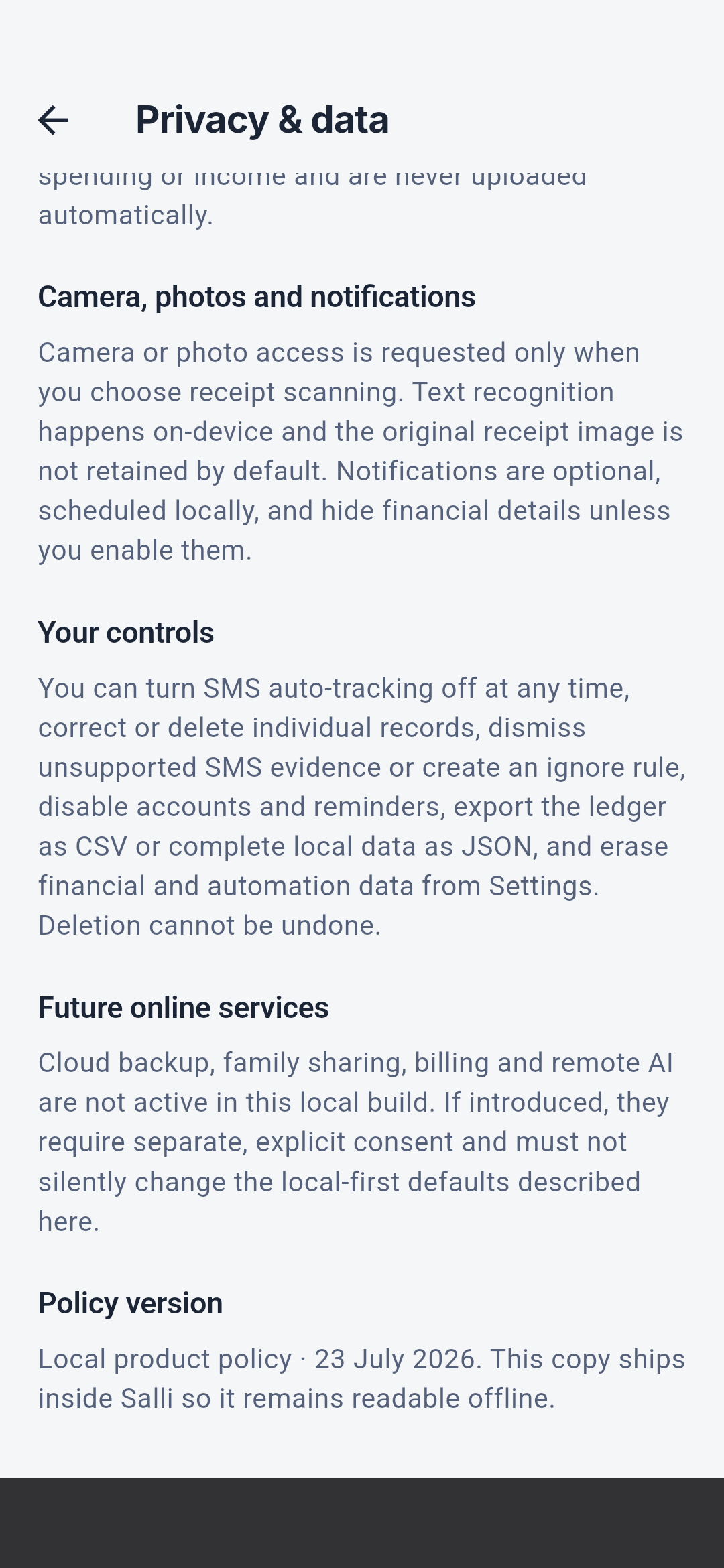
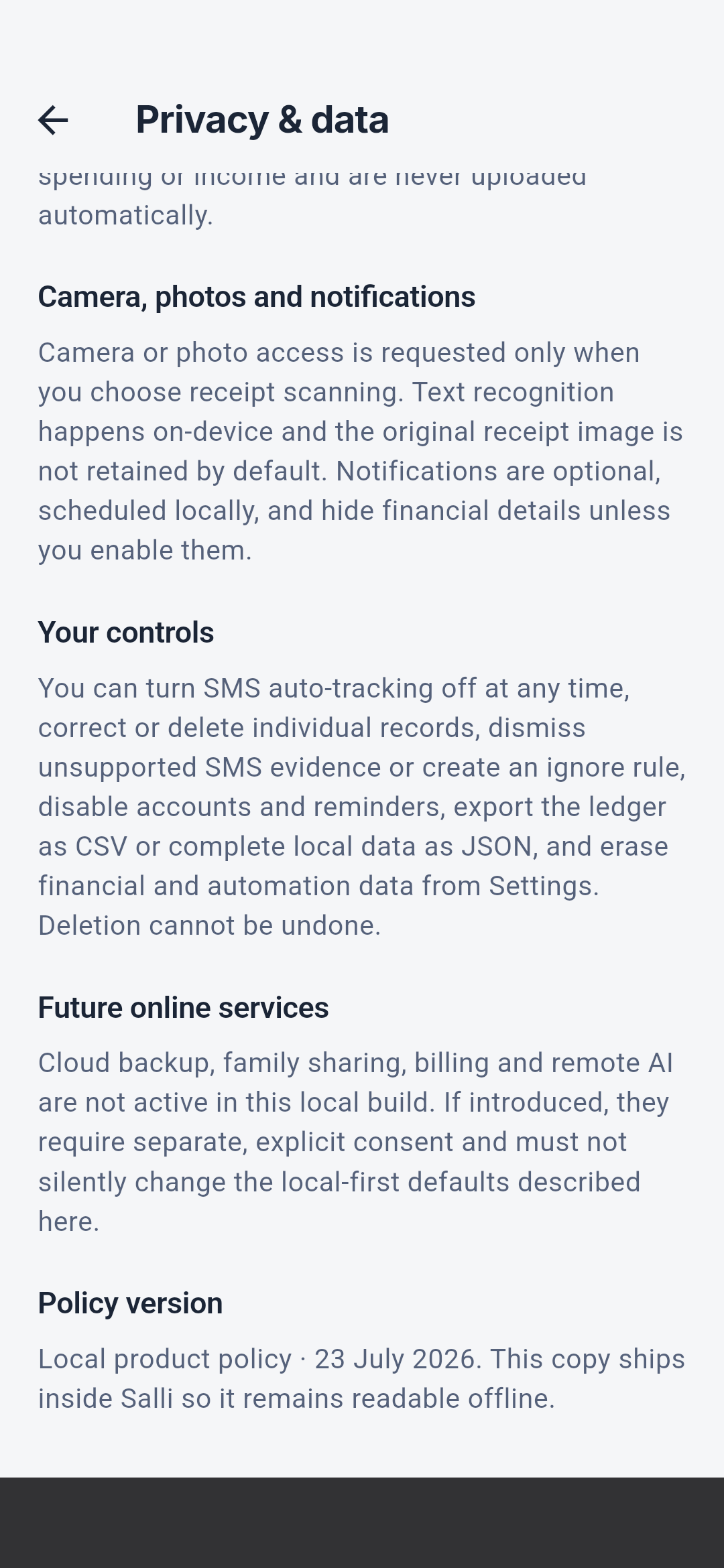
See Local-first privacy for the user guide and
Data security for implementation boundaries.
Help & feedback
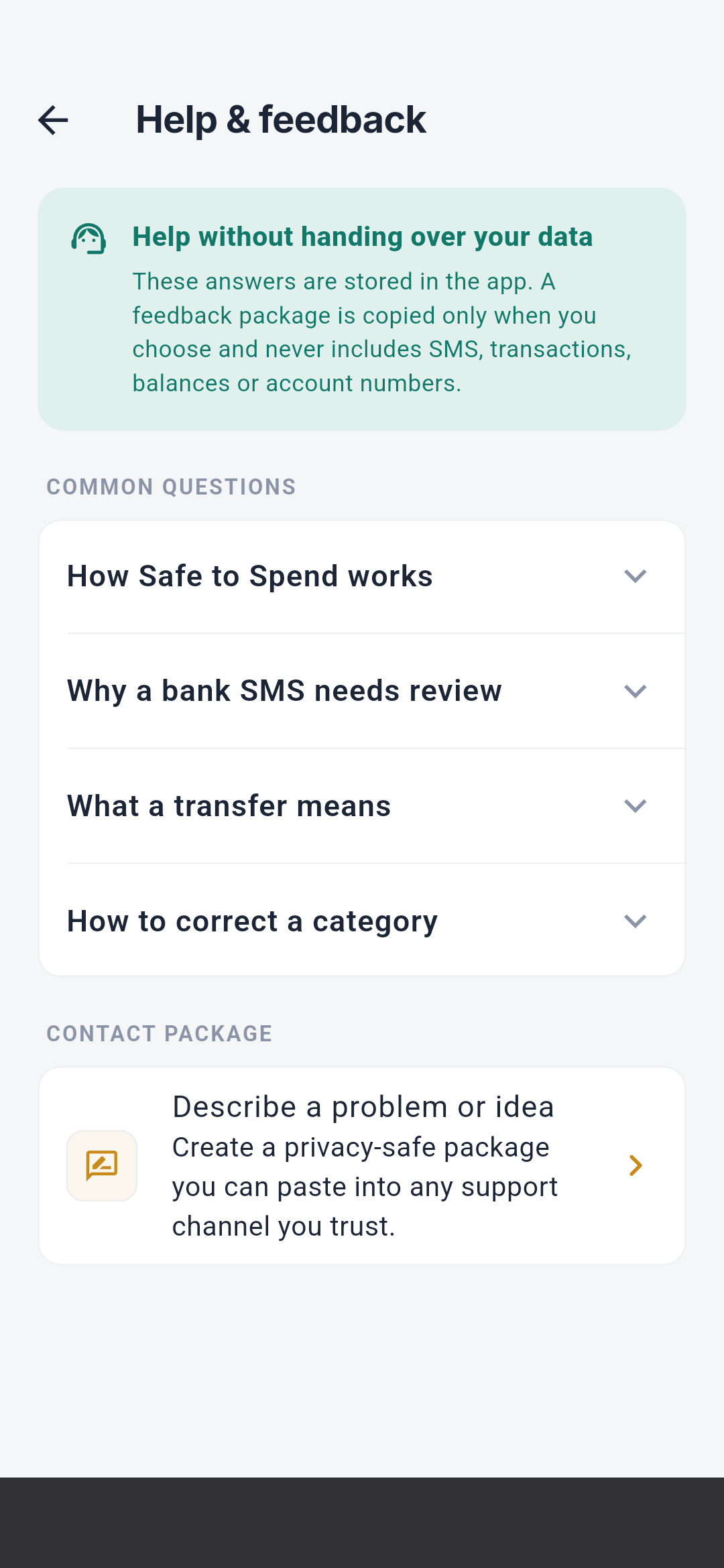
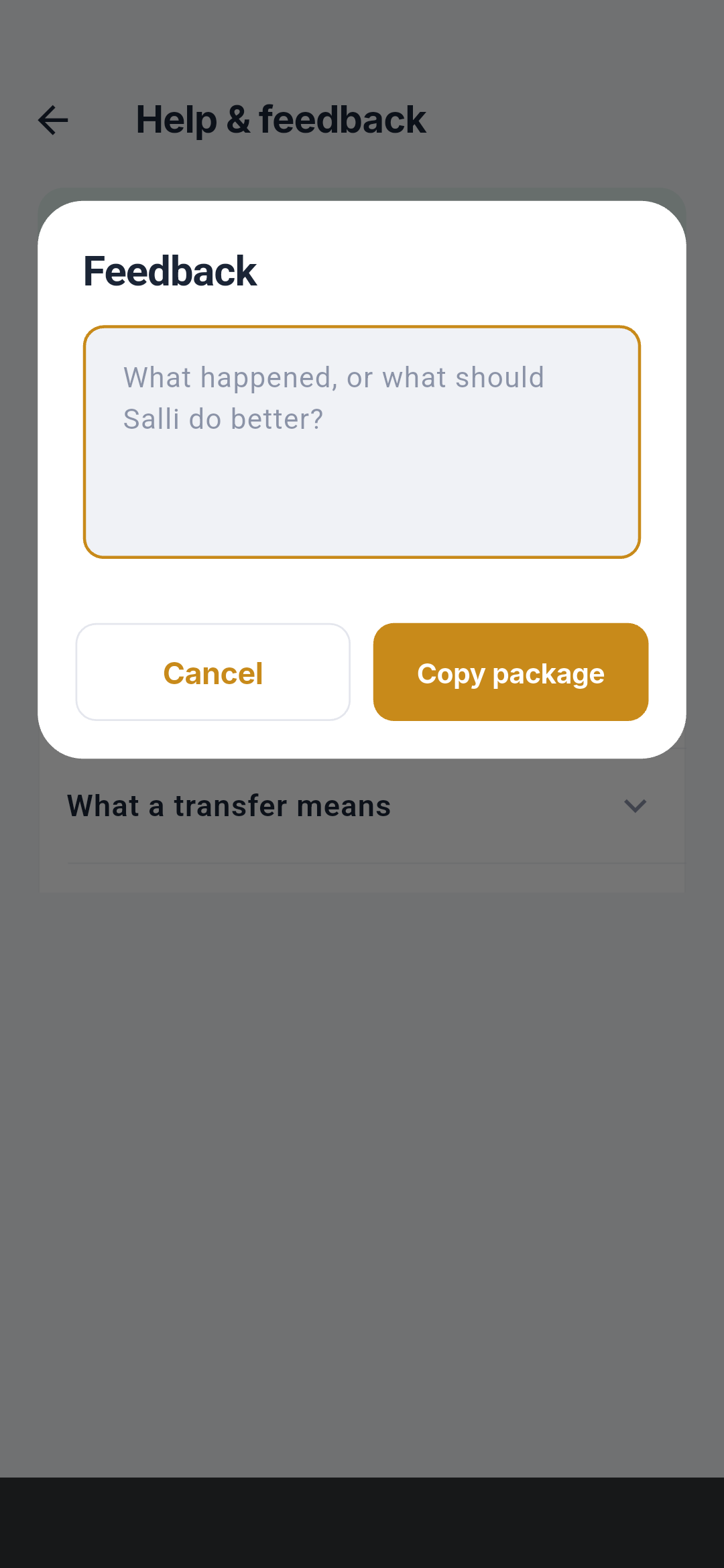
See Troubleshooting, FAQ, and
Support.
About Salli
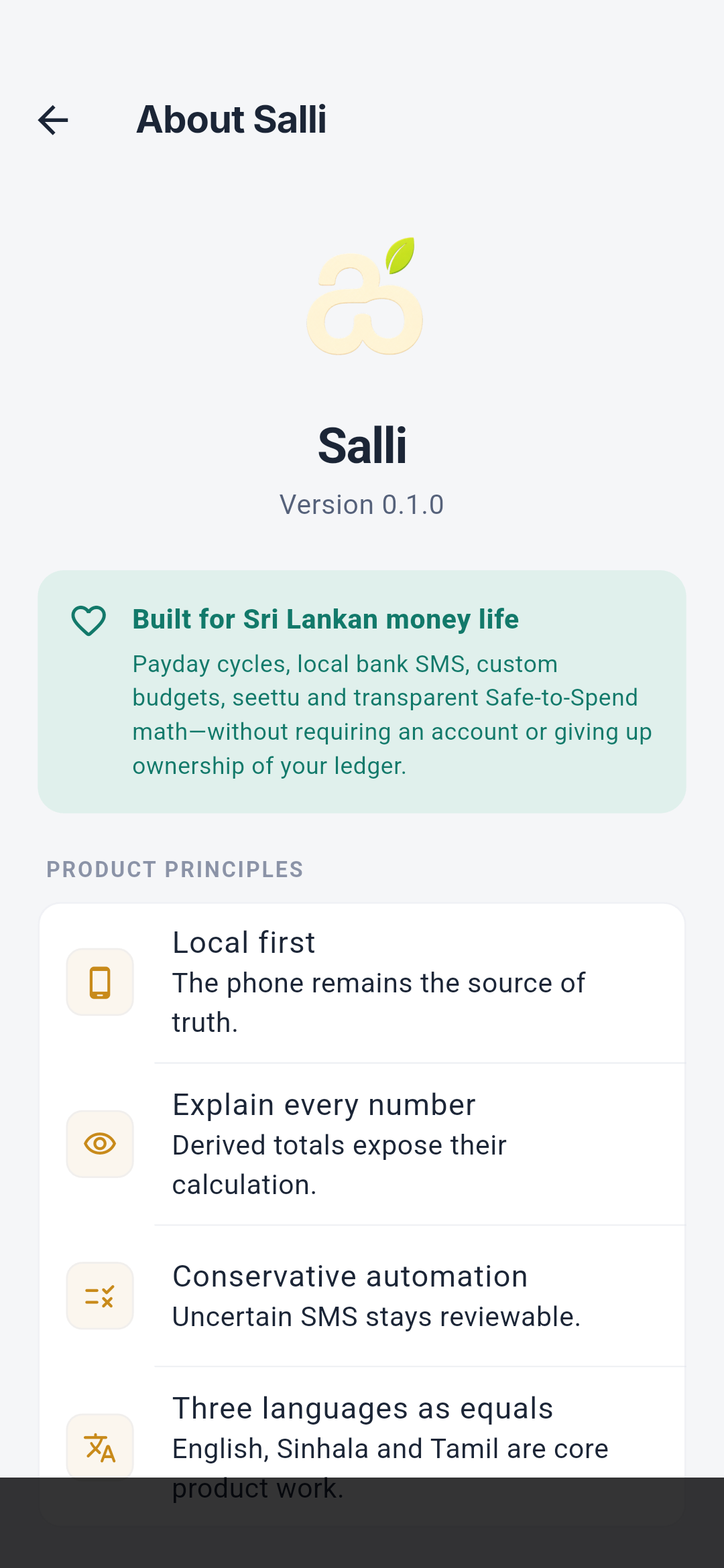
 The About screen identifies the Salli app and version, states its purpose, and
lists four principles: financial data stays local, calculations should be
explainable, automation remains user-controlled, and the interface supports
Sri Lanka’s languages. It does not contain a sign-in, cloud-account, or bank
connection action.
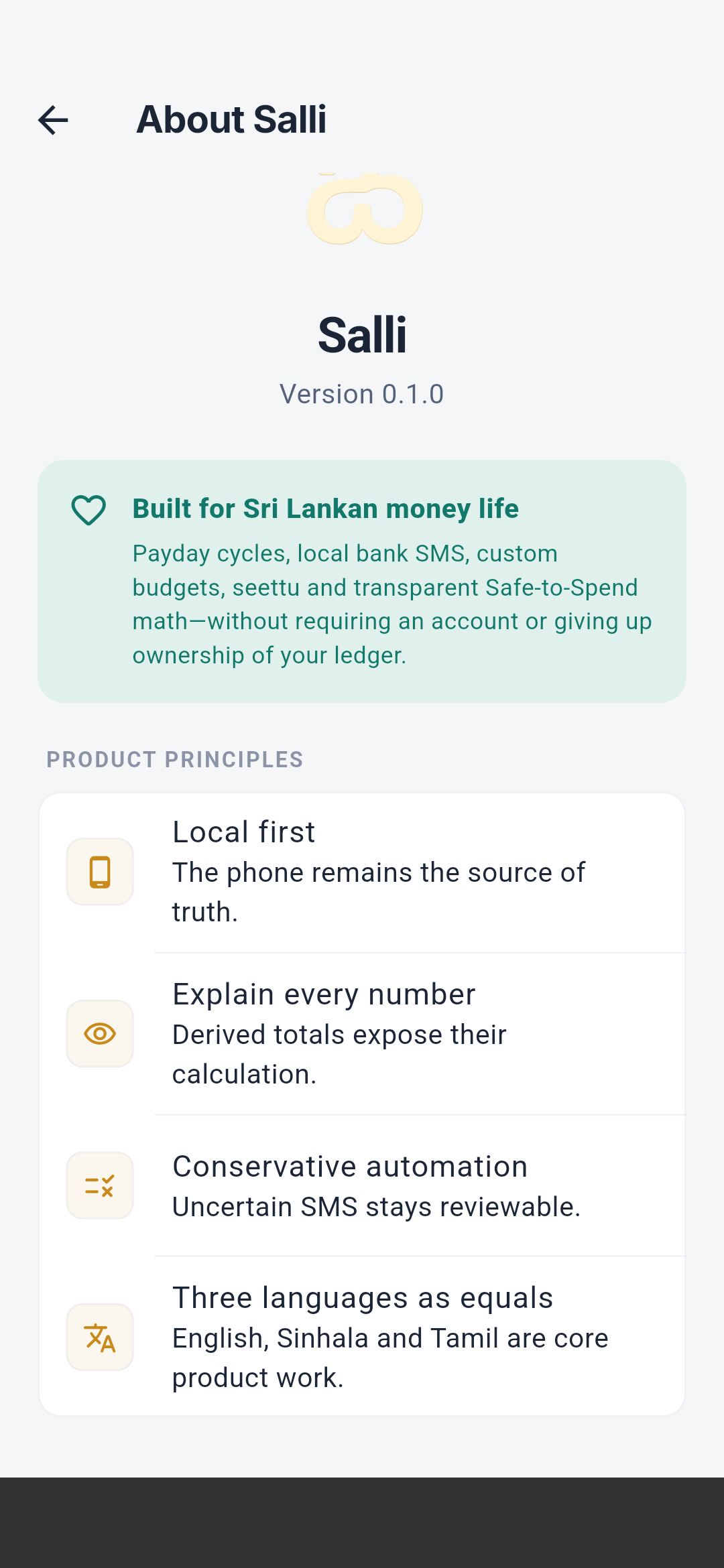
The About screen identifies the Salli app and version, states its purpose, and
lists four principles: financial data stays local, calculations should be
explainable, automation remains user-controlled, and the interface supports
Sri Lanka’s languages. It does not contain a sign-in, cloud-account, or bank
connection action.
SMS Validation Lab
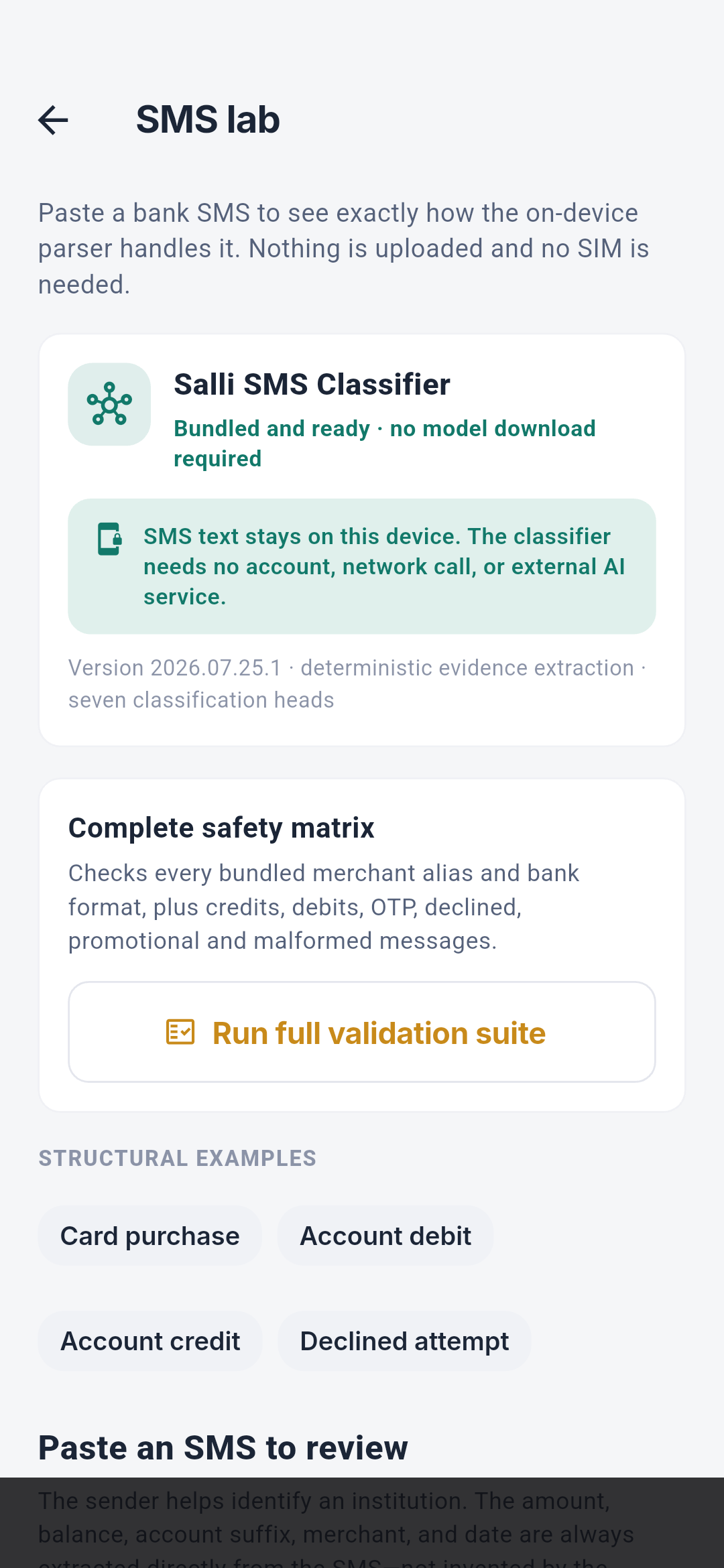
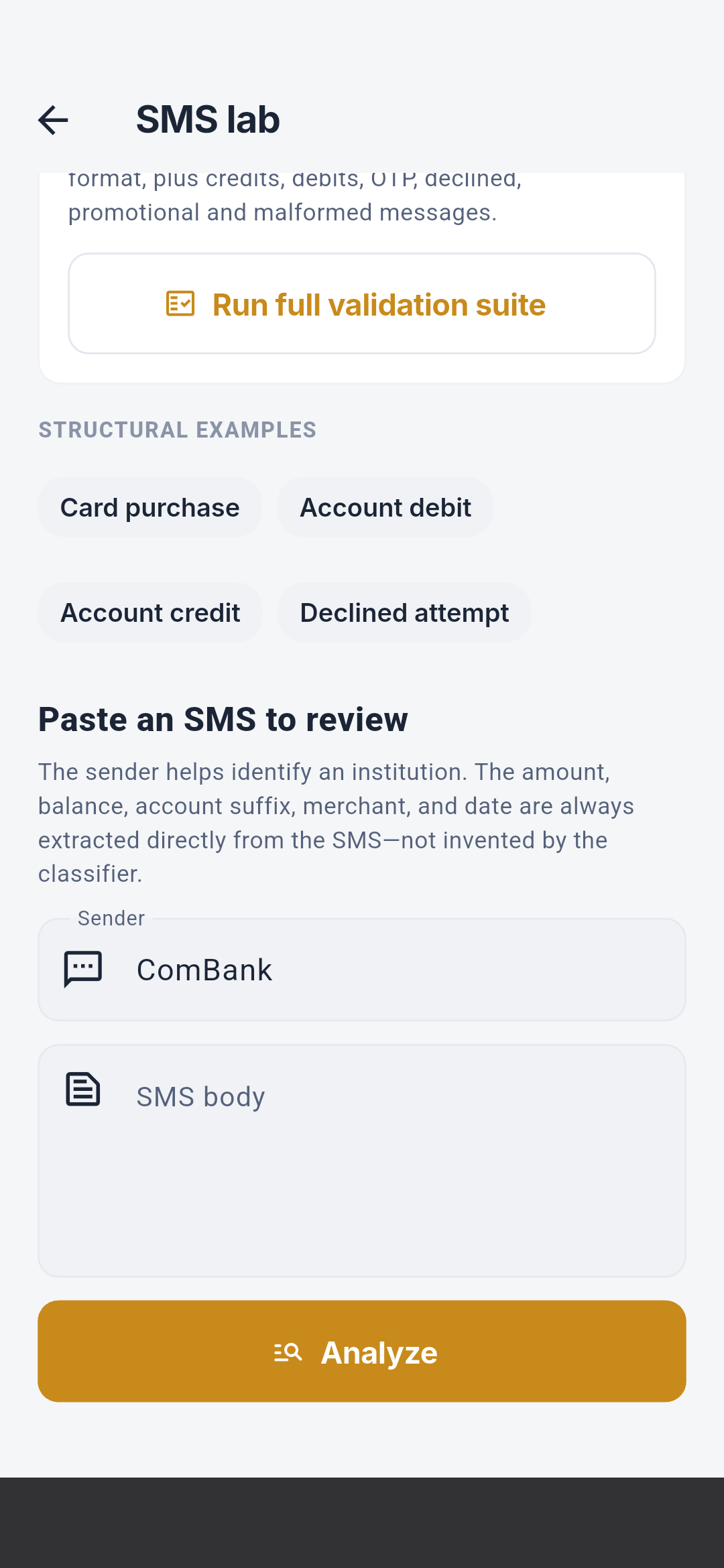
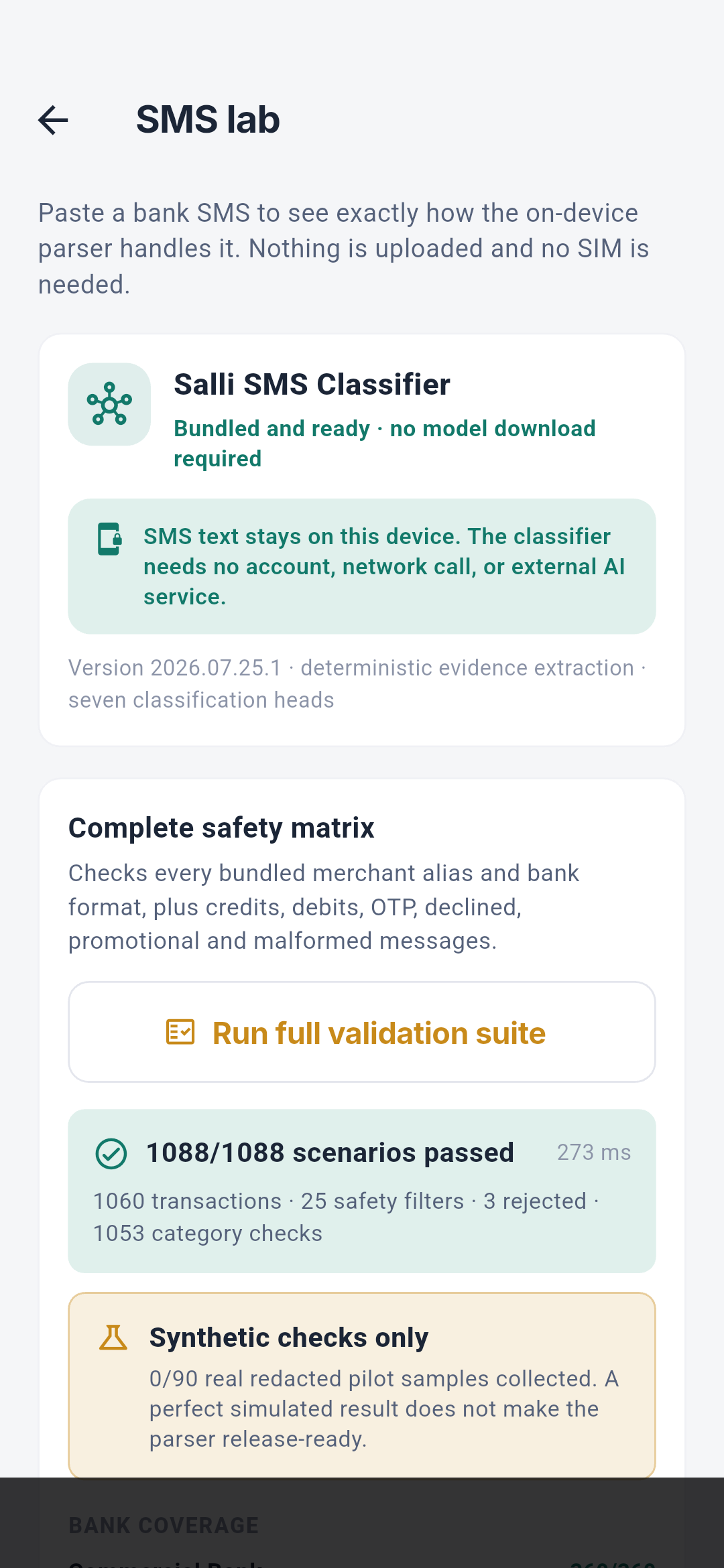
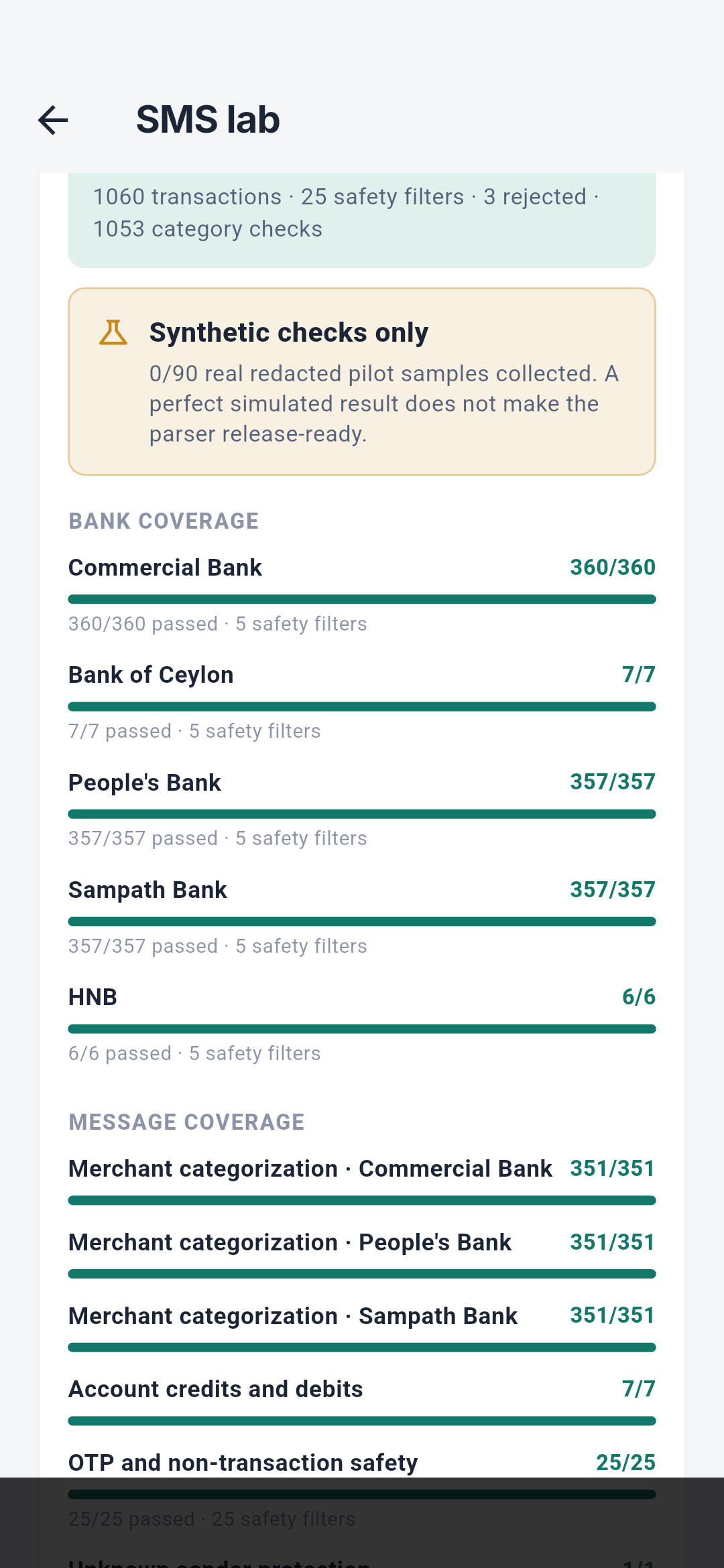
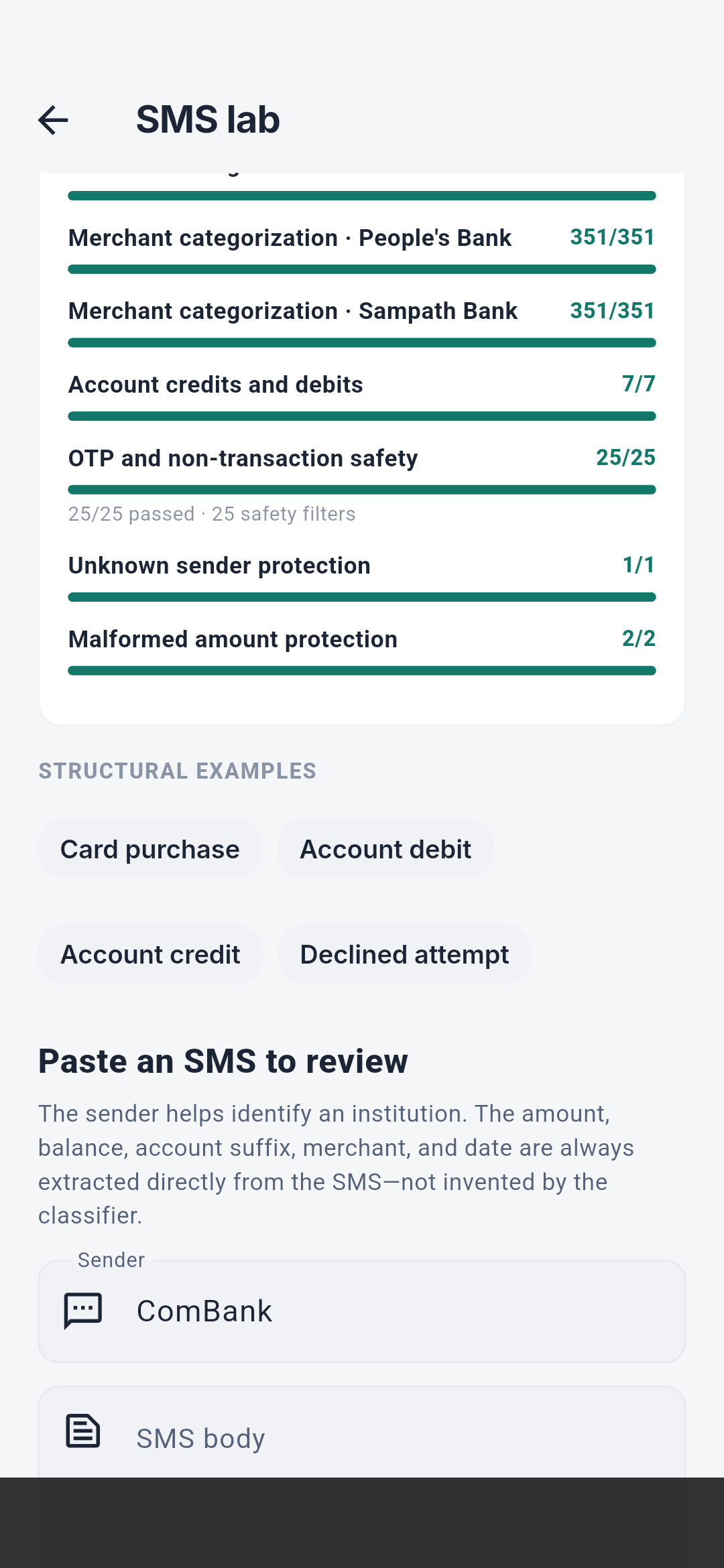
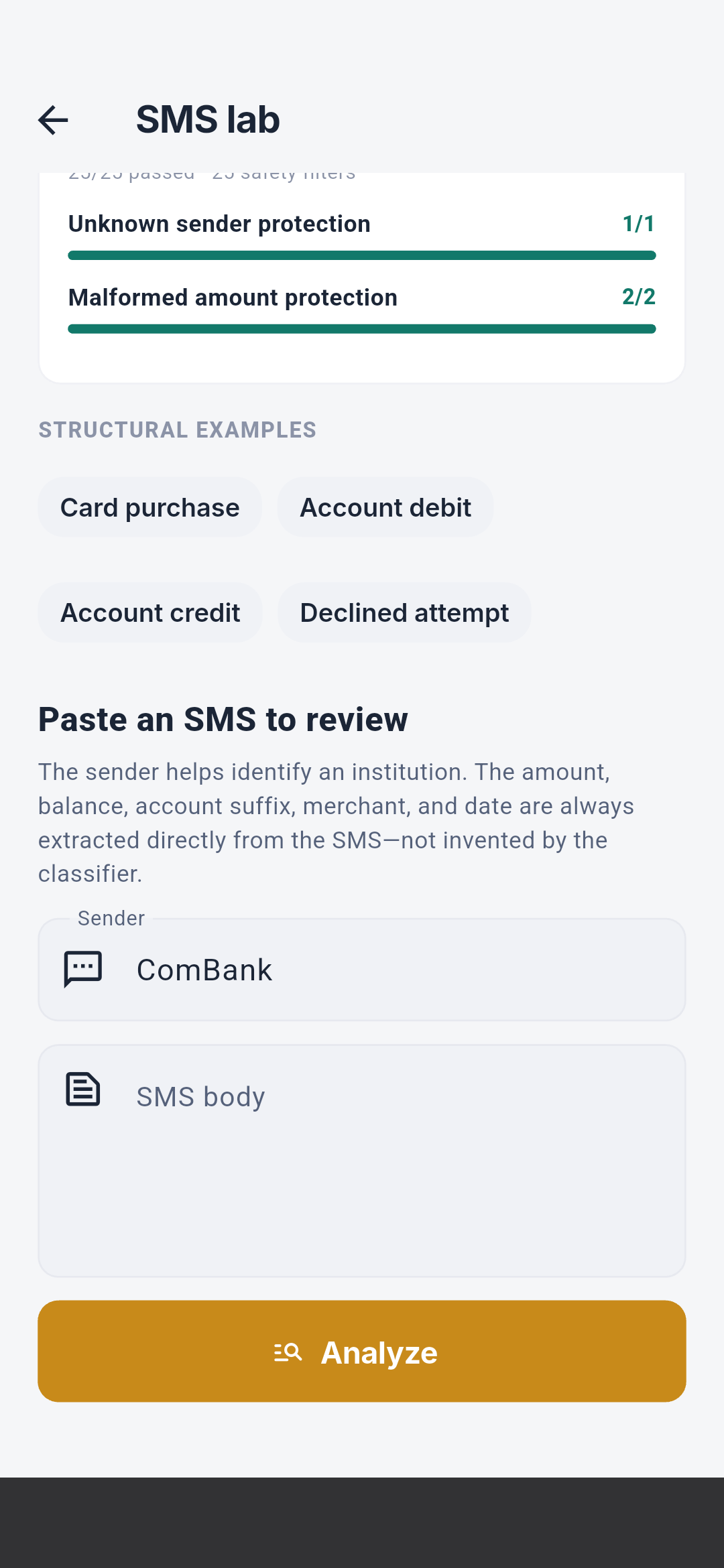
This lab is a development and release-validation surface, not an end-user bank
connection tool.
Quick-fire sample
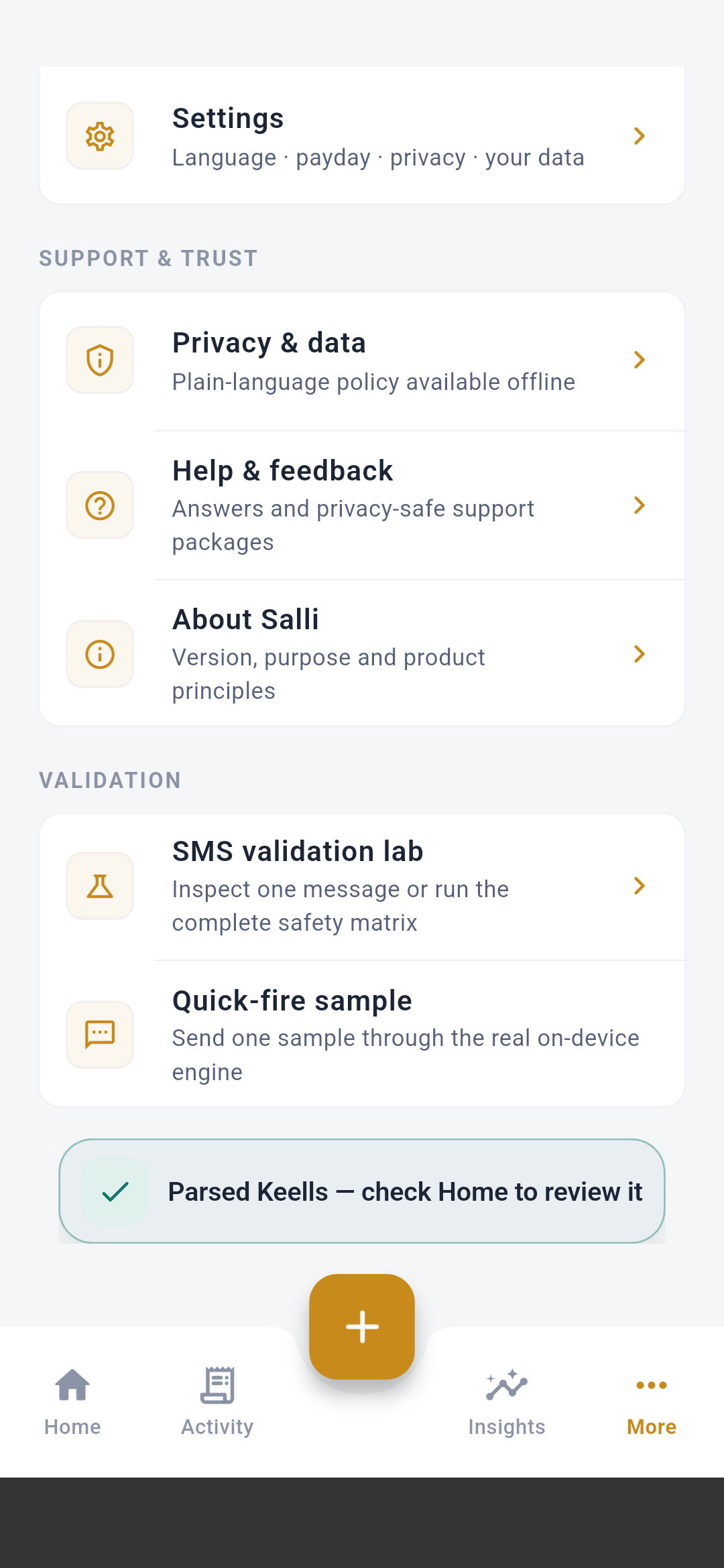 Quick-fire sample rotates through one bundled synthetic message at a time and
sends it through the real on-device engine. It has no chevron because it is an
immediate action rather than a submenu. The toast reports either the parsed
merchant/institution or the sender that the safety filter rejected.
Quick-fire sample rotates through one bundled synthetic message at a time and
sends it through the real on-device engine. It has no chevron because it is an
immediate action rather than a submenu. The toast reports either the parsed
merchant/institution or the sender that the safety filter rejected.