Salli uses four primary tabs and a central add button.
Home
Your current payday cycle, Safe to Spend or over-cycle status, visual cash-flow
summary, budget progress, and recent activity. Tap information controls to
inspect the underlying calculation.
Activity
The searchable transaction timeline. It includes period, account, category,
label, and direction filters; a cash-flow preview; date groups; swipe actions;
and long-press bulk selection.
Insights
Visual analysis for the selected period and account. Review category mix,
income sources, cash flow, comparisons, monthly trends, and up to three
category trend lines. Budgets and calendar reports are available from the
header.
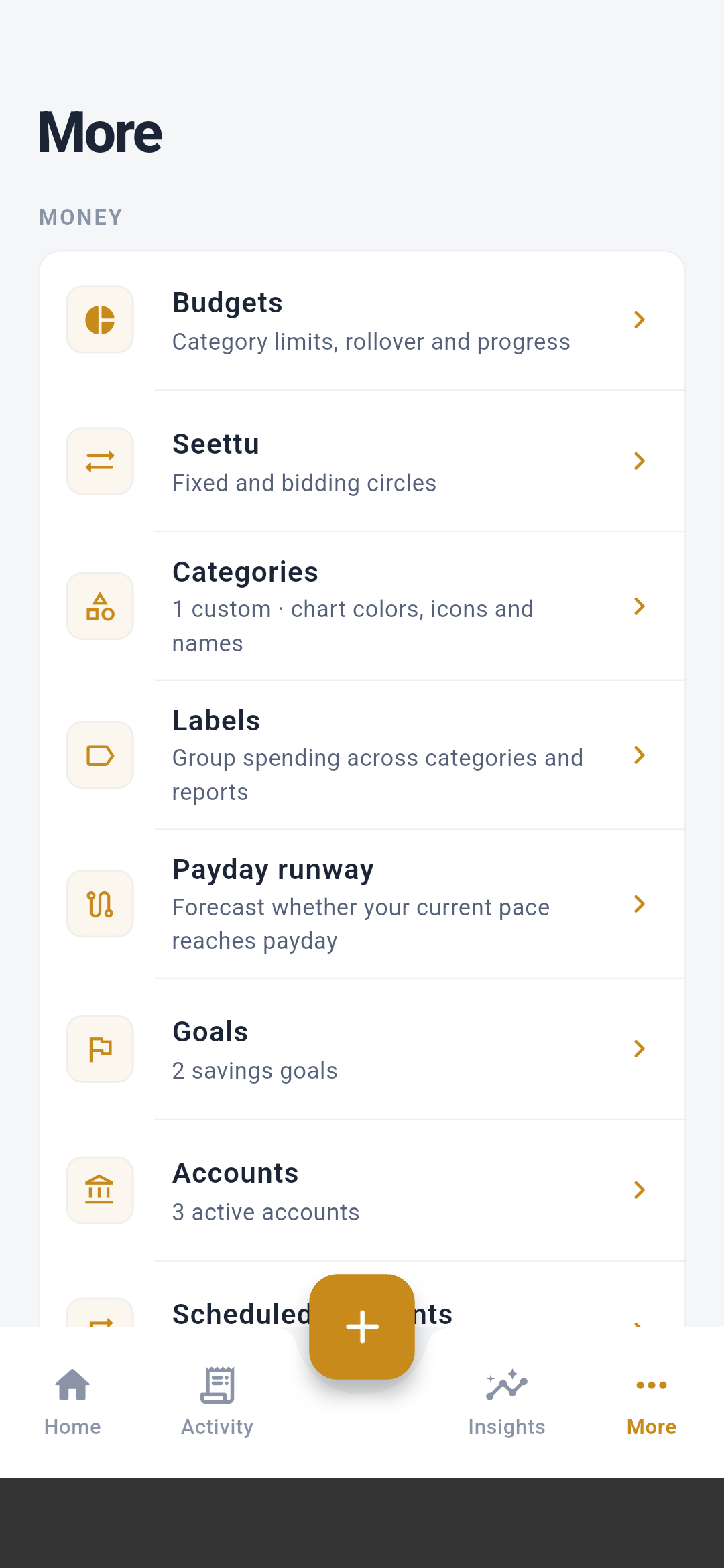
More
All tools that are important but not needed every minute:
- budgets, seettu, categories, labels;
- payday runway and goals;
- accounts and scheduled payments;
- Android auto-tracking, corpus and rules;
- settings, privacy, help, and about; and
- debug-only SMS validation tools in development builds.
The central button opens the full transaction editor. From related add
surfaces, you can create expenses, income, transfers, receipt-based entries,
and future payment plans.
The Android home-screen widget can open the same transaction editor directly,
even from a cold app start.
Back and destructive actions
Use the platform back gesture or arrow to leave a detail or editor screen.
Delete operations always require a deliberate action; delete-all additionally
requires typed confirmation.