
No sign-up. No cloud account. Salli does not ask for an email address,
password, bank login, or online profile. Your financial data stays on your
device unless you explicitly export or share it.
Start here
Set up Salli
Choose a language, define your payday cycle, and decide how you want to
begin.
Track transactions
Add entries manually, review supported bank alerts, scan receipts, and
fix transfers.
Plan with budgets
Set category limits, understand unbudgeted spending, and move unused
money.
Understand your insights
Explore cash flow, categories, accounts, custom periods, and monthly
reports.
What Salli does
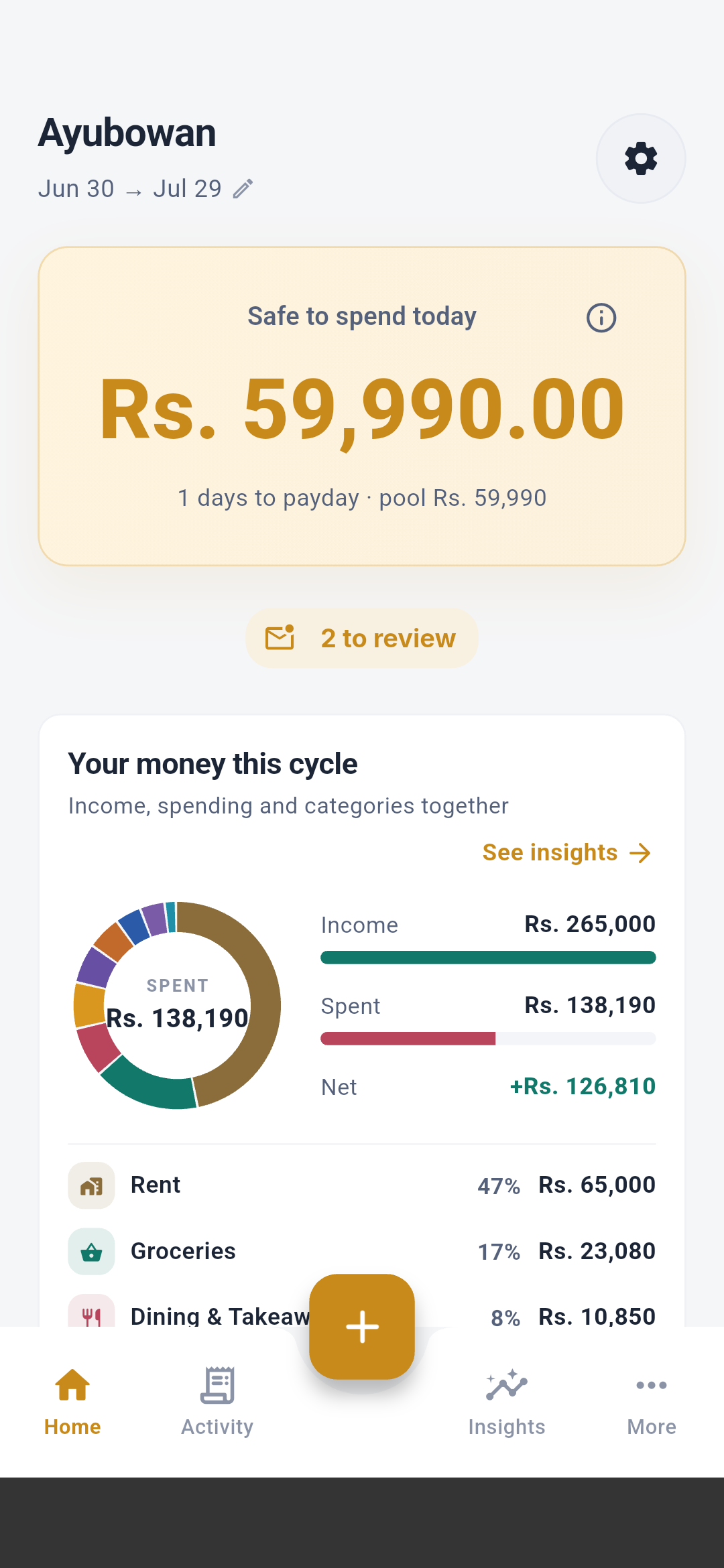
- Calculates a payday-to-payday Safe to Spend amount.
- Keeps a searchable, editable ledger for expenses, income, and transfers.
- Tracks category budgets, savings goals, upcoming payments, and seettu circles.
- Builds account and merchant intelligence locally from your confirmed activity.
- Offers Sinhala, Tamil, and English interfaces.
- Encrypts the local database and gives you export, restore, and delete controls.
What Salli does not do
- It does not connect to your bank account or ask for online-banking credentials.
- It does not upload your ledger to a Salli backend.
- It does not create transactions from OTP, security-code, declined, personal, promotional, or unknown-sender messages.
- It does not count wallet-to-wallet transfers as income or spending.
- It does not read the SMS inbox on iPhone; Apple does not permit that access.
Salli is under active pre-release development. See release status and
limitations before relying on it as your only financial
record.
Choose your path
First 10 minutes
Go from first launch to a useful home screen.
Every screen
Walk through every full English screen and understand each element.
Privacy model
Understand exactly what stays on the device.